8 free downloads · 4K
Motivational desktop wallpapers 4K
For the screen you stare at all day.
8 free motivational desktop wallpapers (4K), each with a line from the FURY library. Resolution: 3840 × 2160 (4K UHD). Quotes sit in the middle of the screen, clear of the menu bar and dock.
To download: click Download under any wallpaper. On a Mac: System Settings → Wallpaper → Add Photo, or right-click the file in Finder and choose Set Desktop Picture. On Windows: right-click the file and choose Set as desktop background.
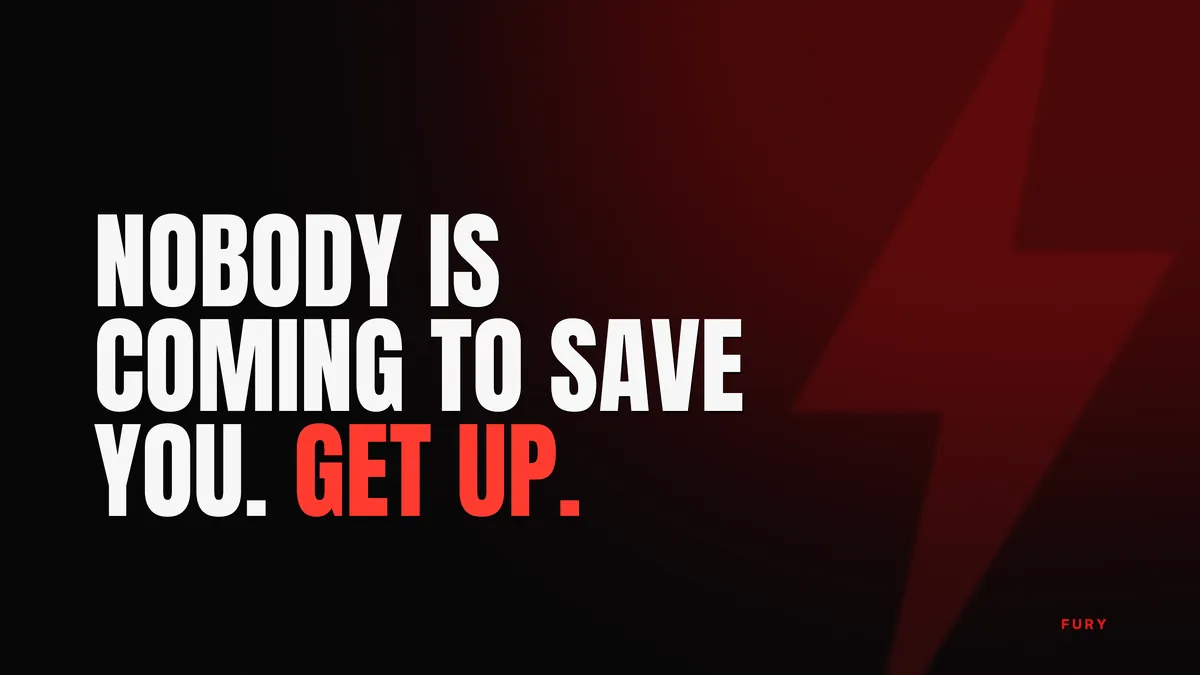
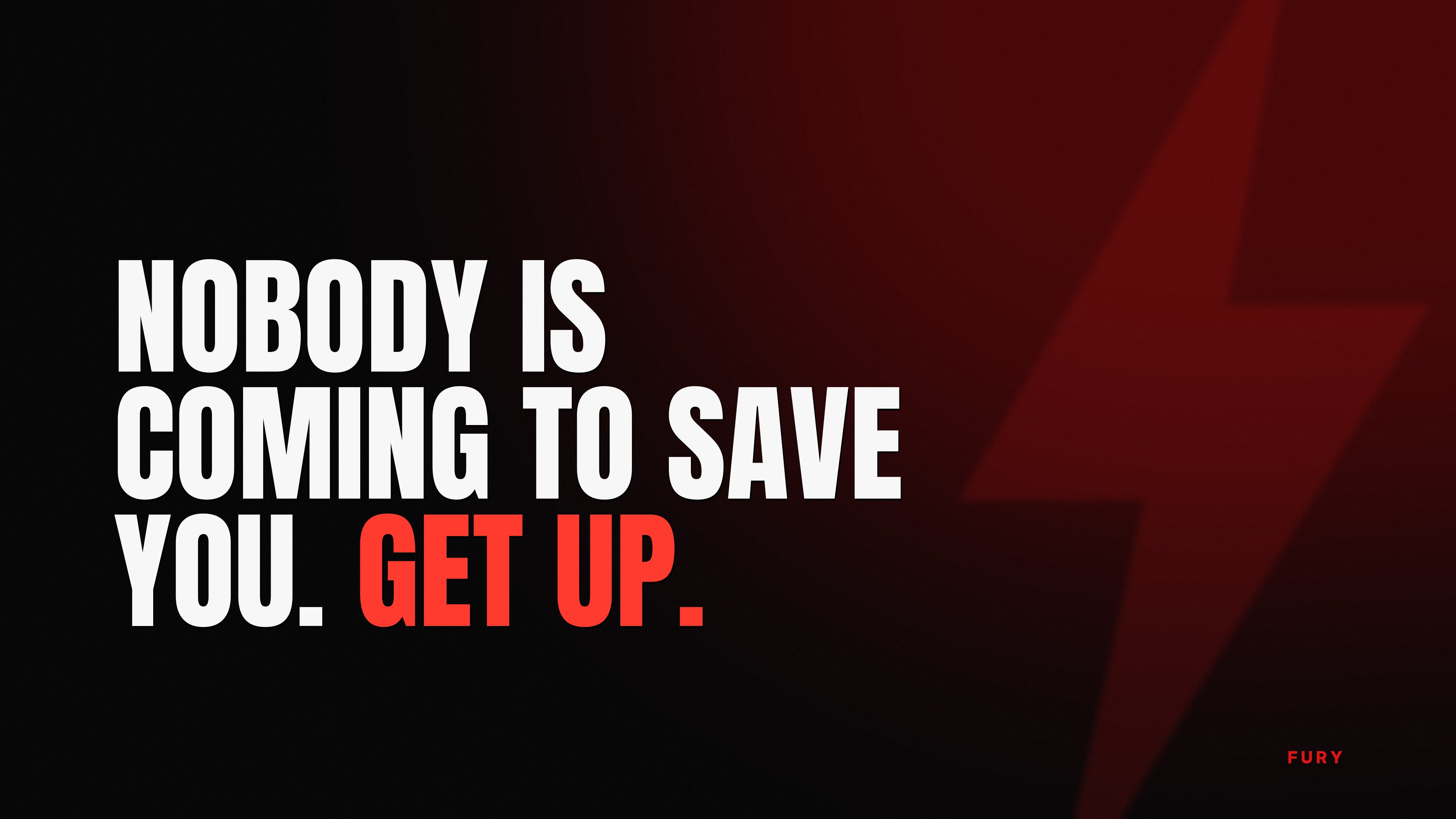
Nobody is coming to save you. Get up.↓ Download
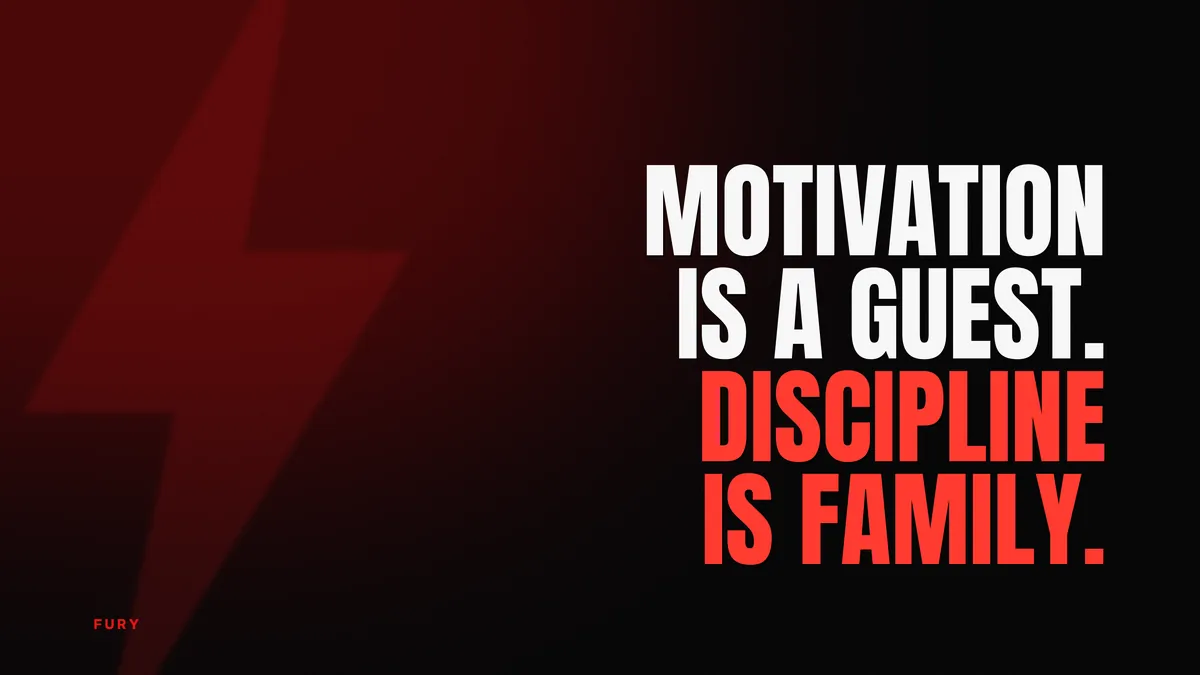
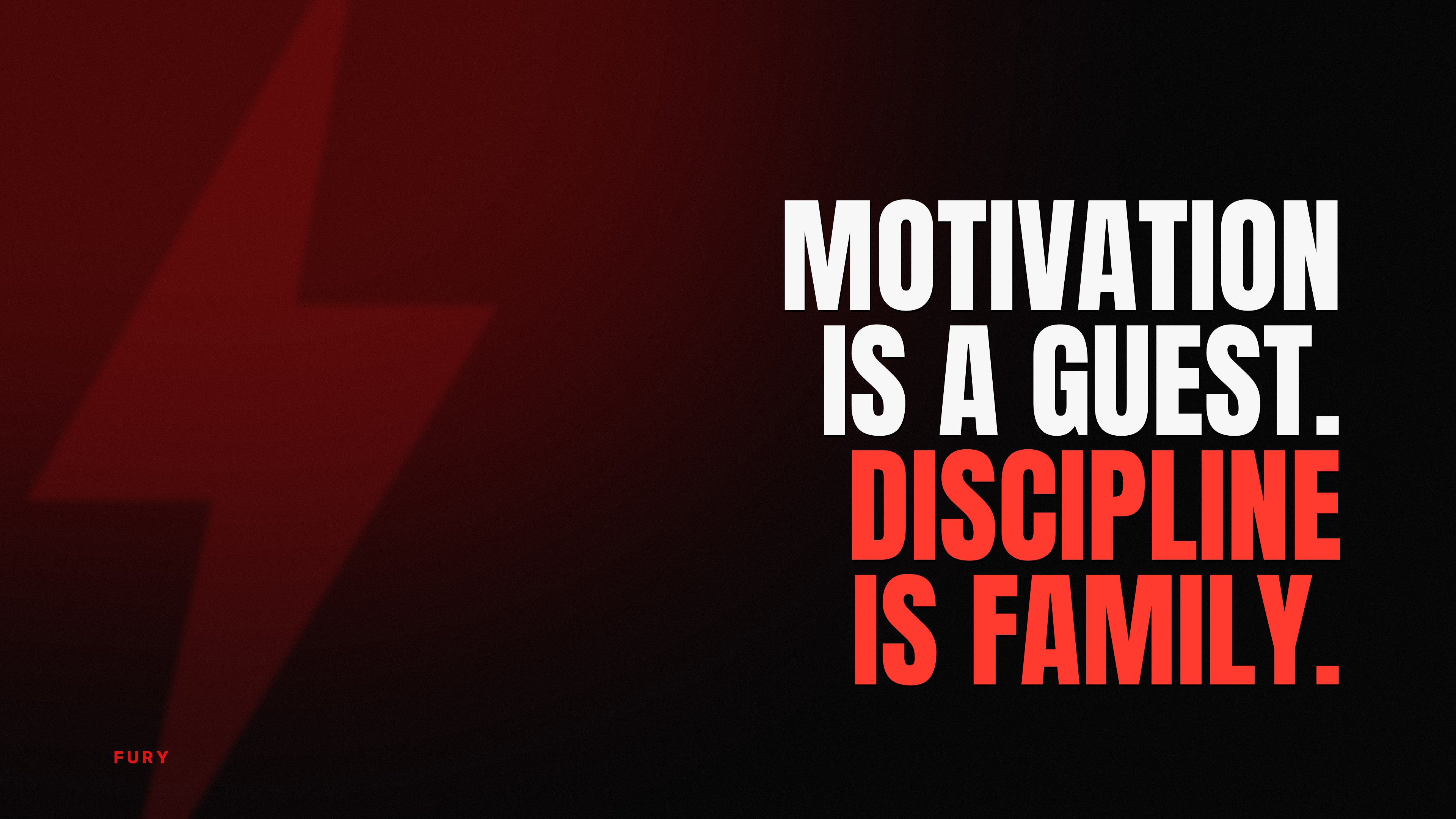
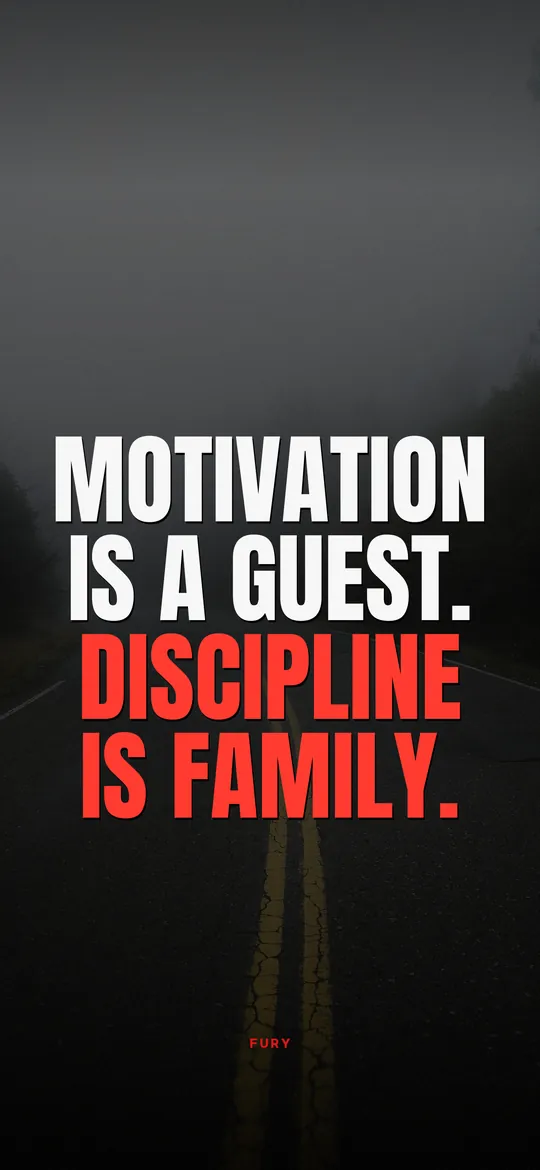
Motivation is a guest. Discipline is family.↓ Download
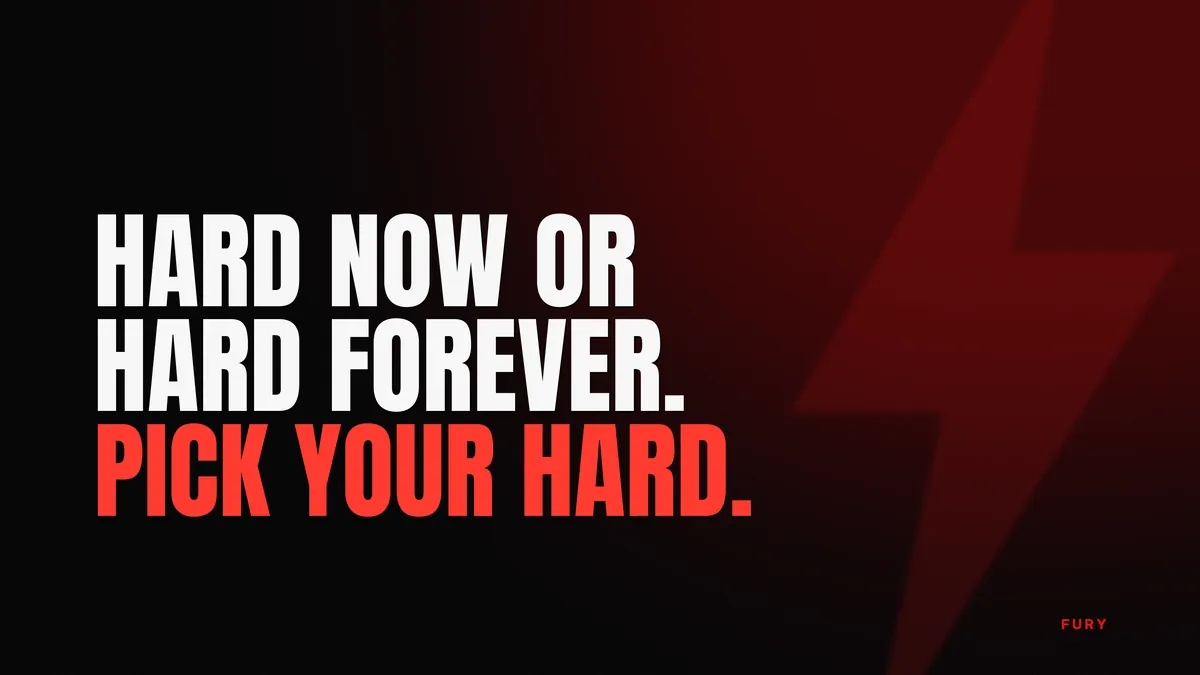
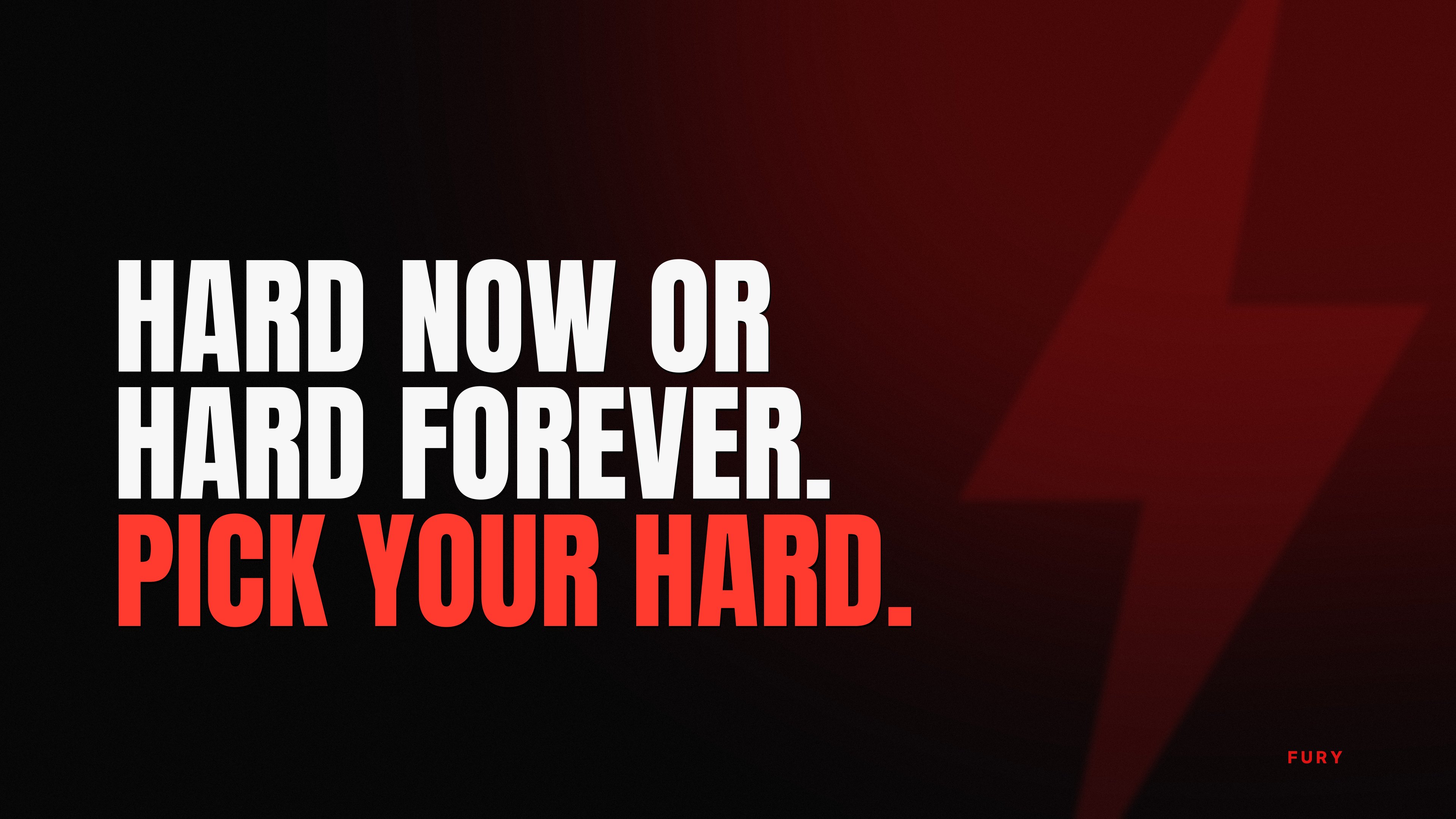
Hard now or hard forever. Pick your hard.↓ Download
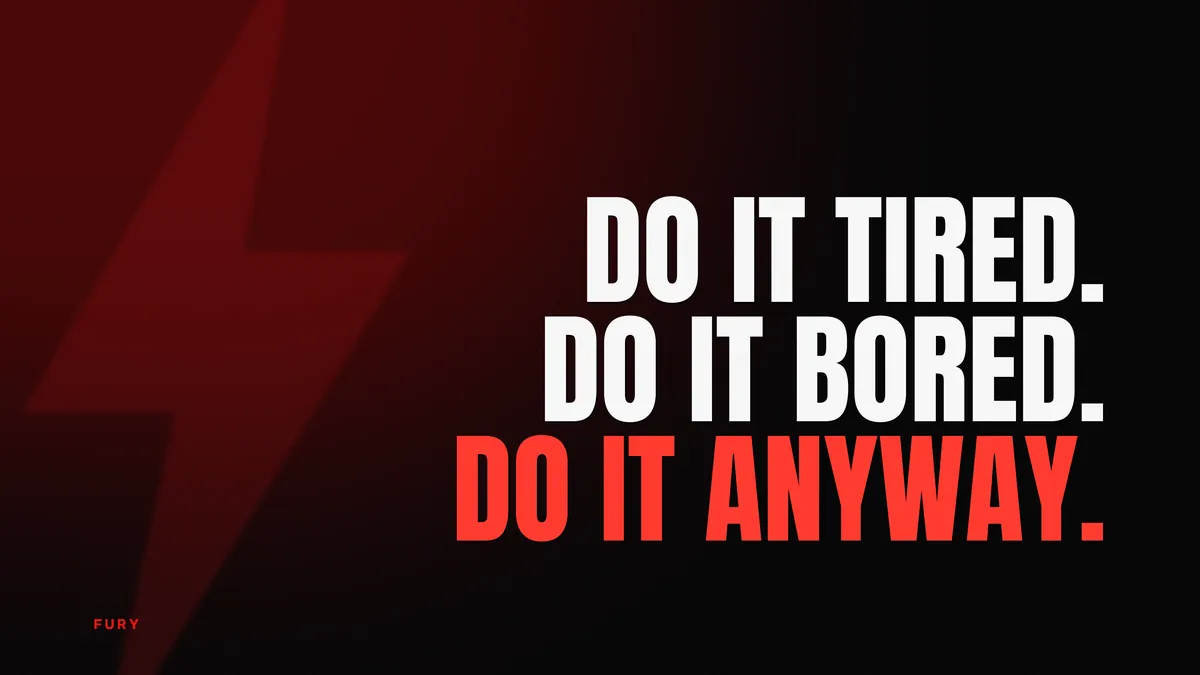
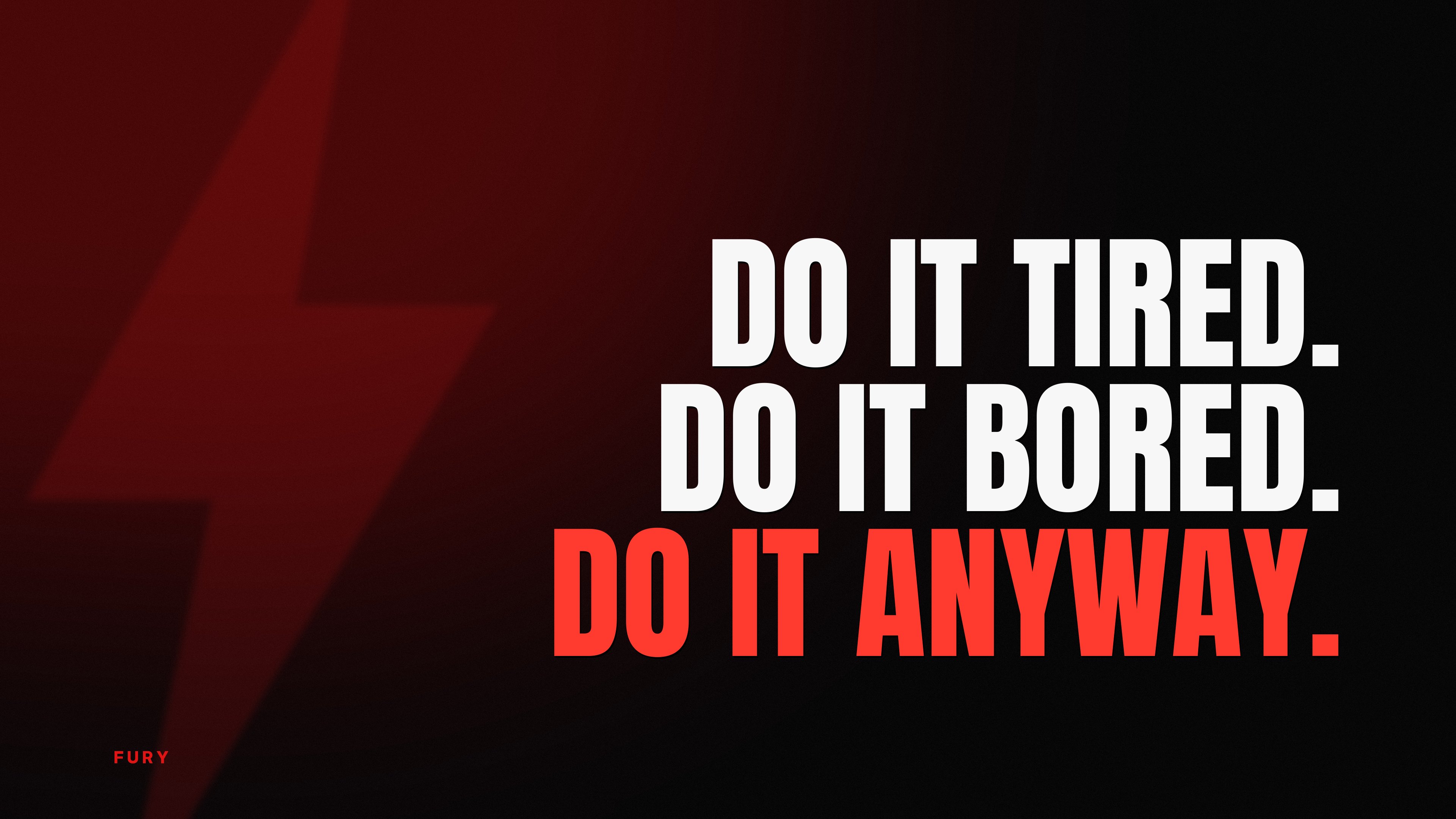
Do it tired. Do it bored. Do it anyway.↓ Download
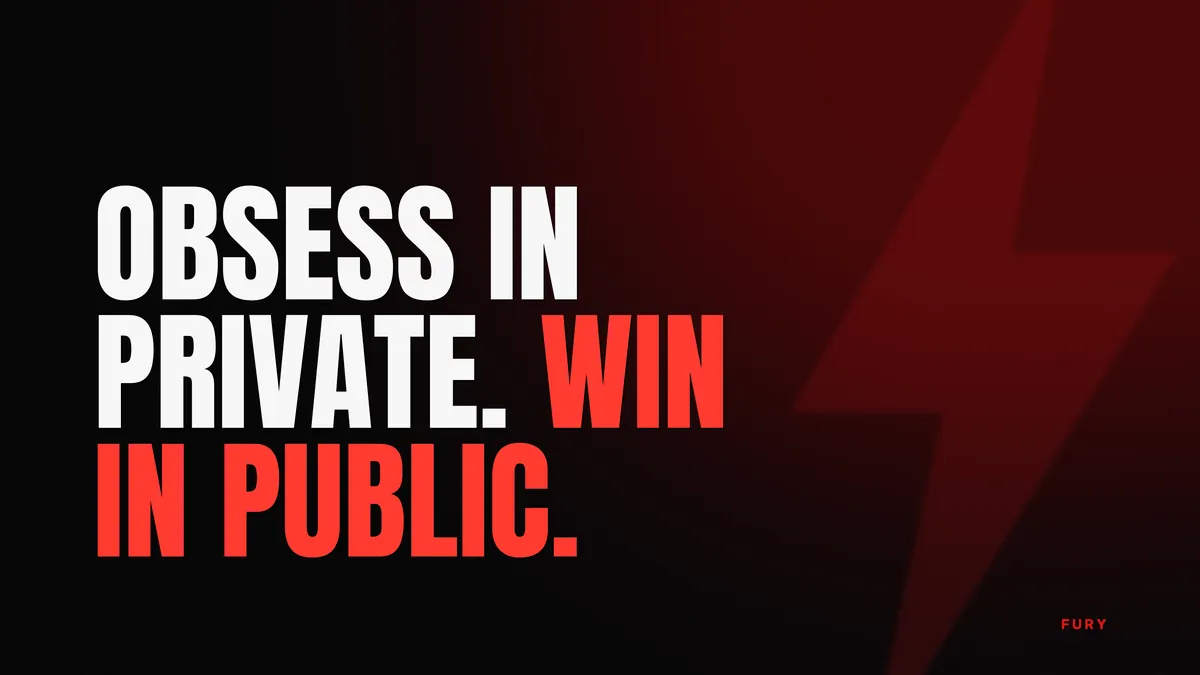
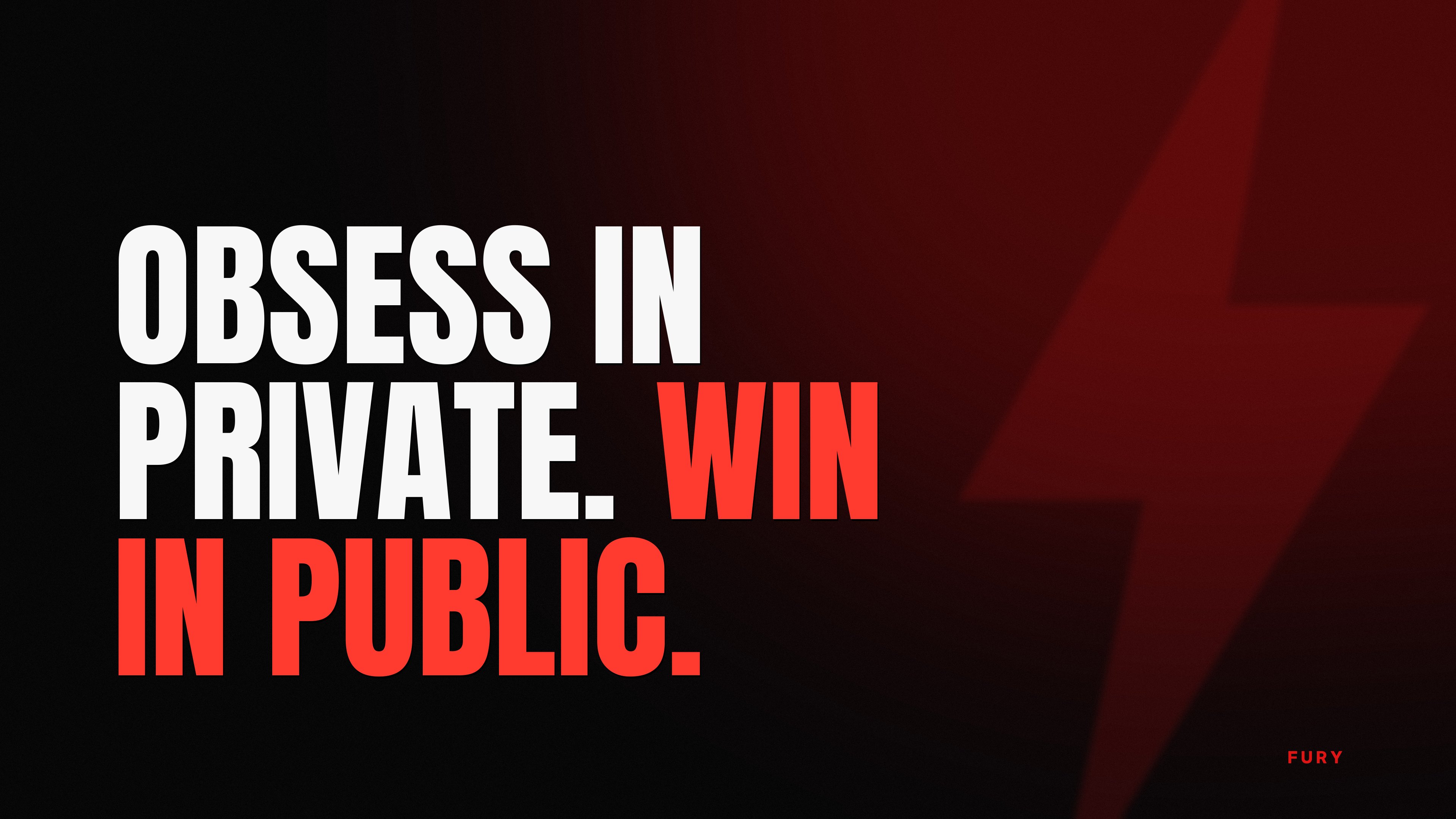
Obsess in private. Win in public.↓ Download

Wake up before your excuses do.↓ Download
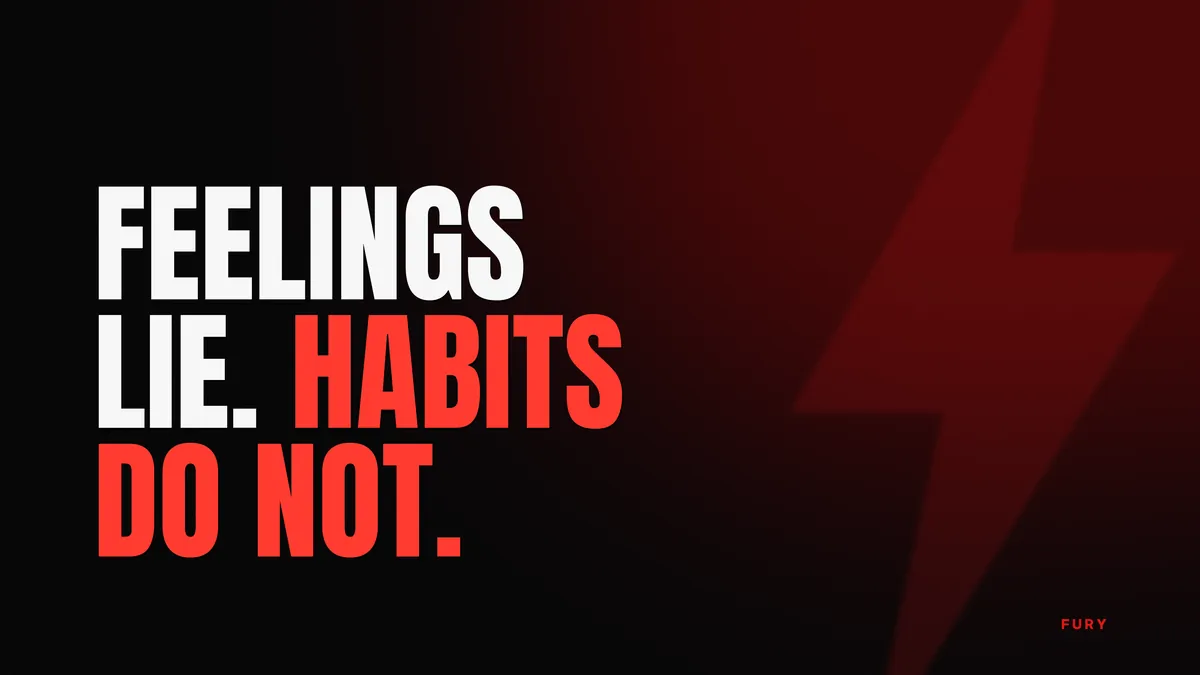
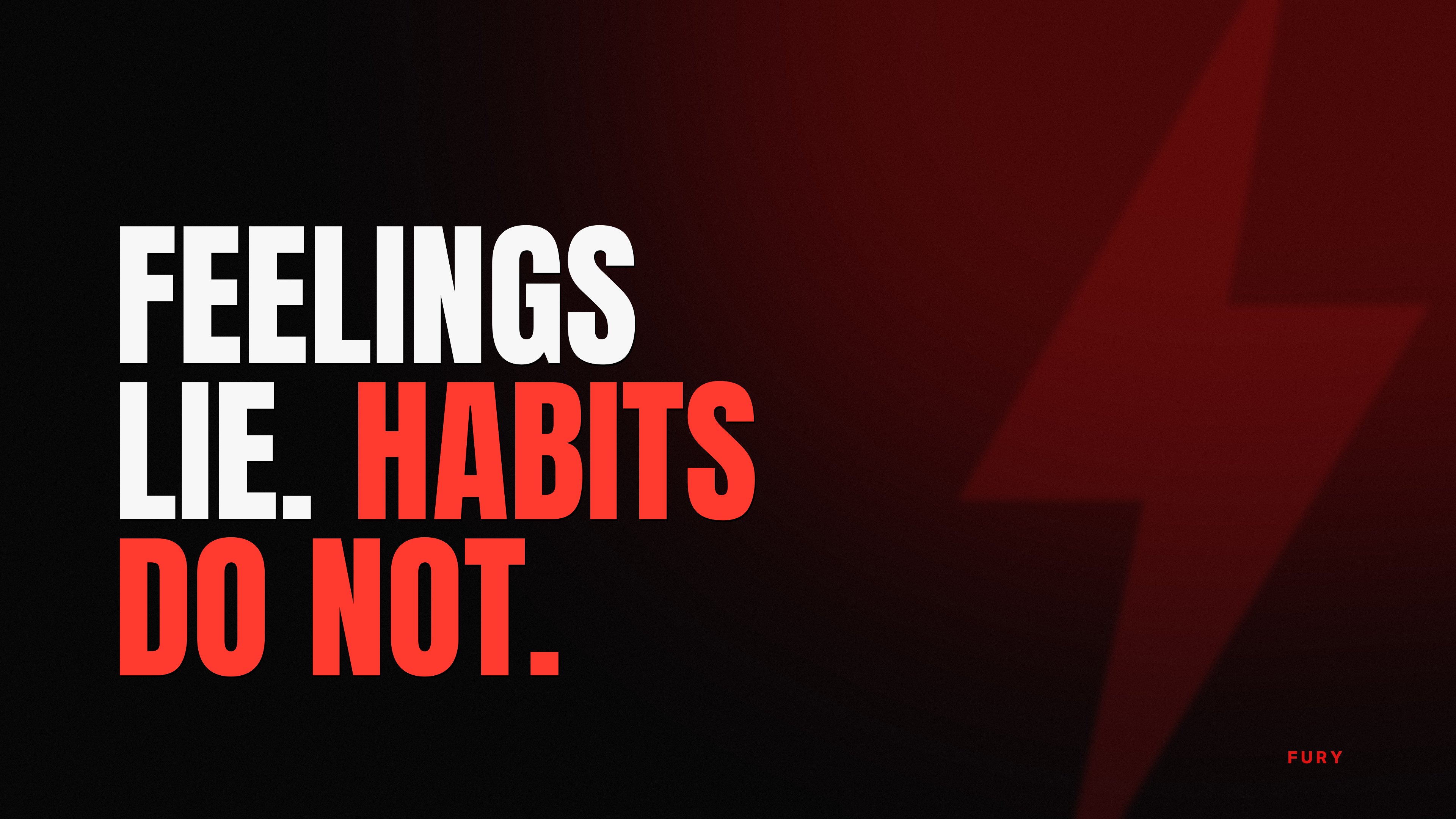
Feelings lie. Habits do not.↓ Download
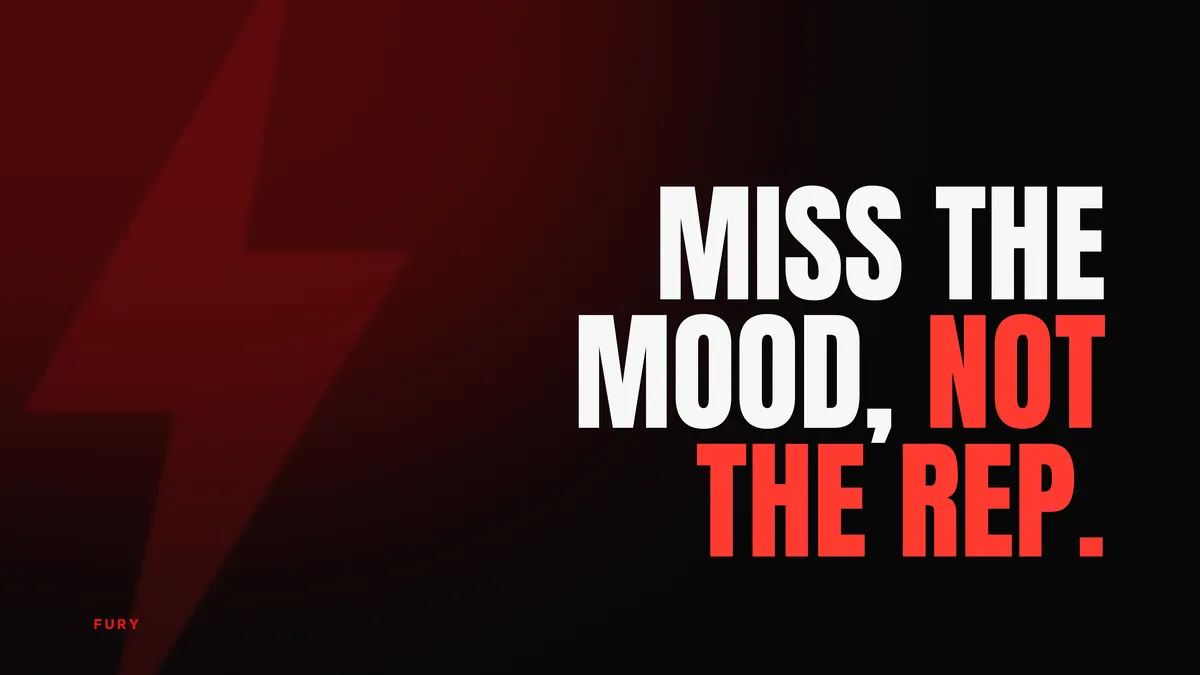
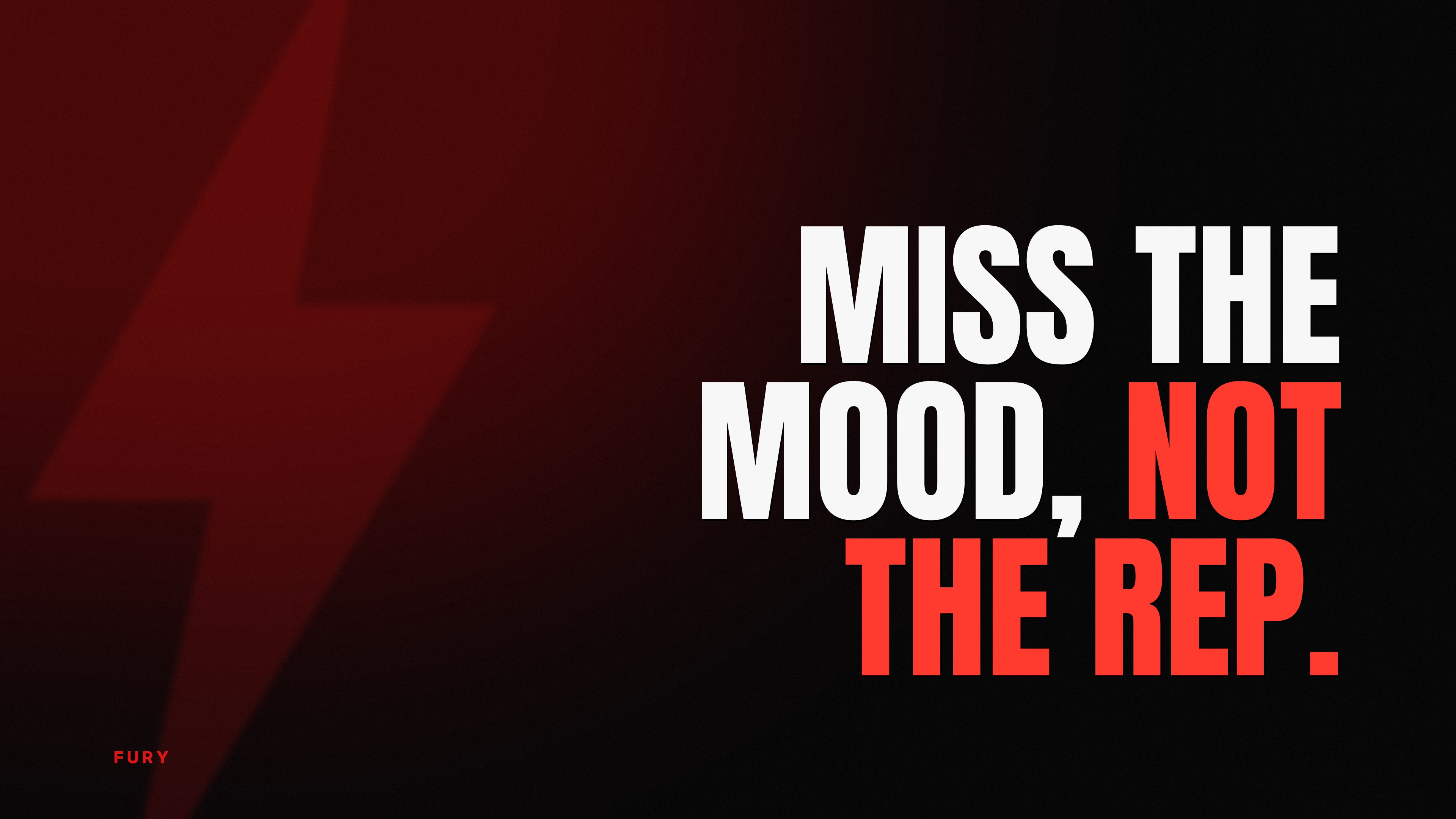
Miss the mood, not the rep.↓ Download
FAQ
Questions people ask
Are these wallpapers really free?
Yes. Download and use them as wallpapers on your own devices. Please do not resell them or pass them off as your own.
How do I set a wallpaper on my iPhone?
Save the image to Photos, then open Settings, Wallpaper, Add New Wallpaper, Photos, pick it and tap Add. Our step-by-step guide covers the details and tips for keeping the quote clear of the clock.
Can I get a new motivational wallpaper every day?
A wallpaper stays the same, but FURY adds a Lock Screen widget that shows a new quote every hour, on top of whatever wallpaper you like.
Next
More free downloads
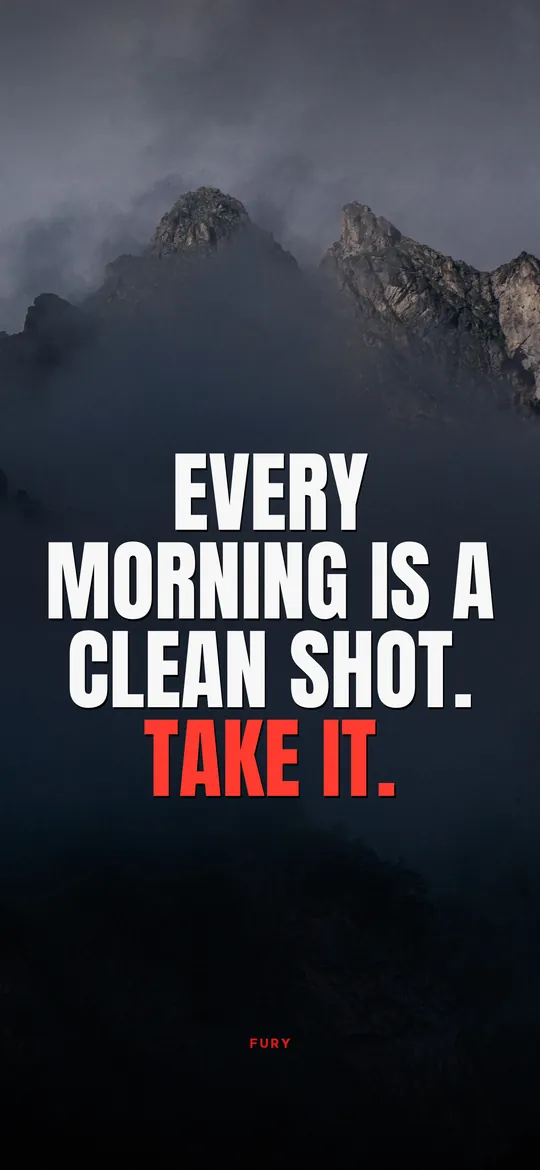


Nobody is coming
to save you. Get up.
FURY puts a hard truth on your Lock Screen every hour. Three days free on iPhone.