12 free downloads · iPhone
Gym motivation wallpapers
See it before every session. Then go.
12 free gym motivation wallpapers, each with a line from the FURY library. Resolution: 1290 × 2796 (iPhone Pro Max size, sharp on every iPhone). Quotes sit in the middle of the screen, clear of the clock and the flashlight and camera buttons.
On iPhone: tap Download, choose View, then touch and hold the image and tap Save to Photos. Set it in Settings → Wallpaper → Add New Wallpaper → Photos. Full steps in how to set a motivational wallpaper on iPhone.
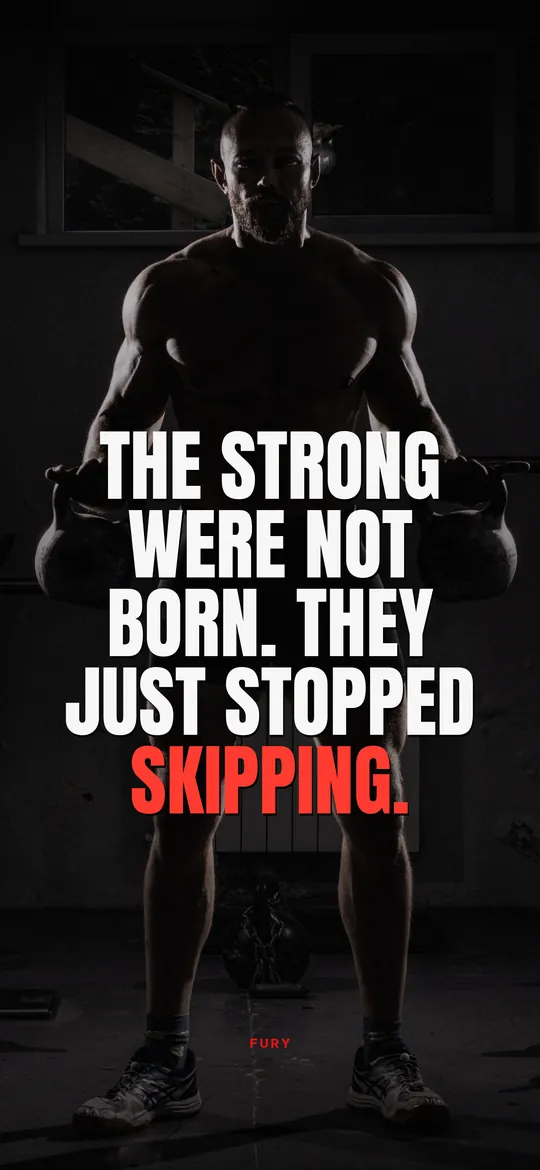
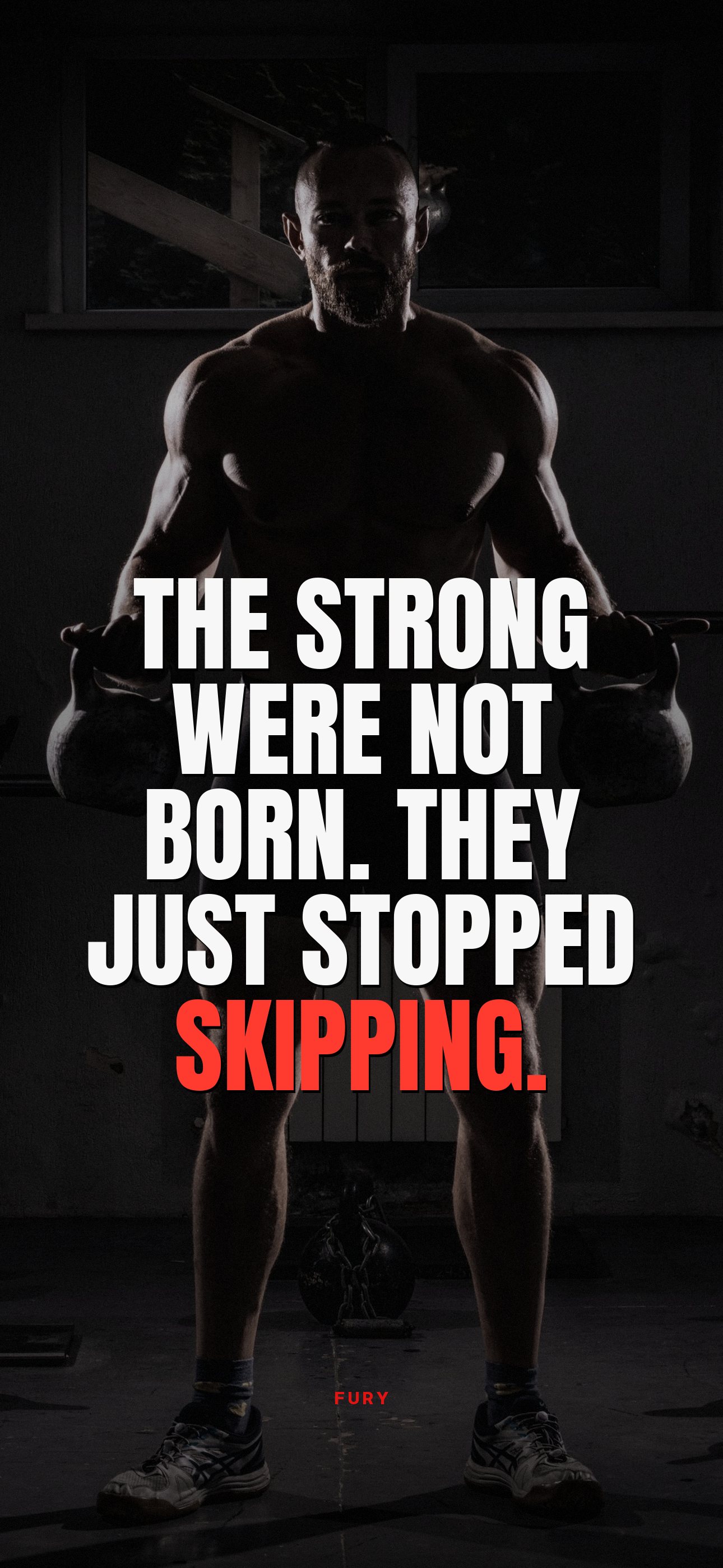
The strong were not born. They just stopped skipping.↓ Download

Your comfort zone has never been to the gym.↓ Download
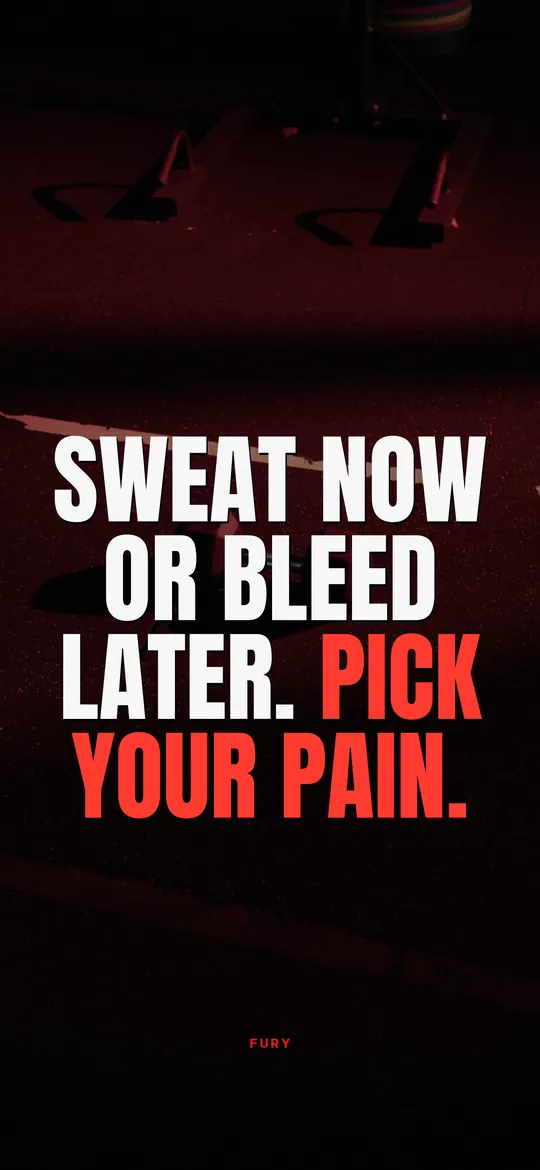
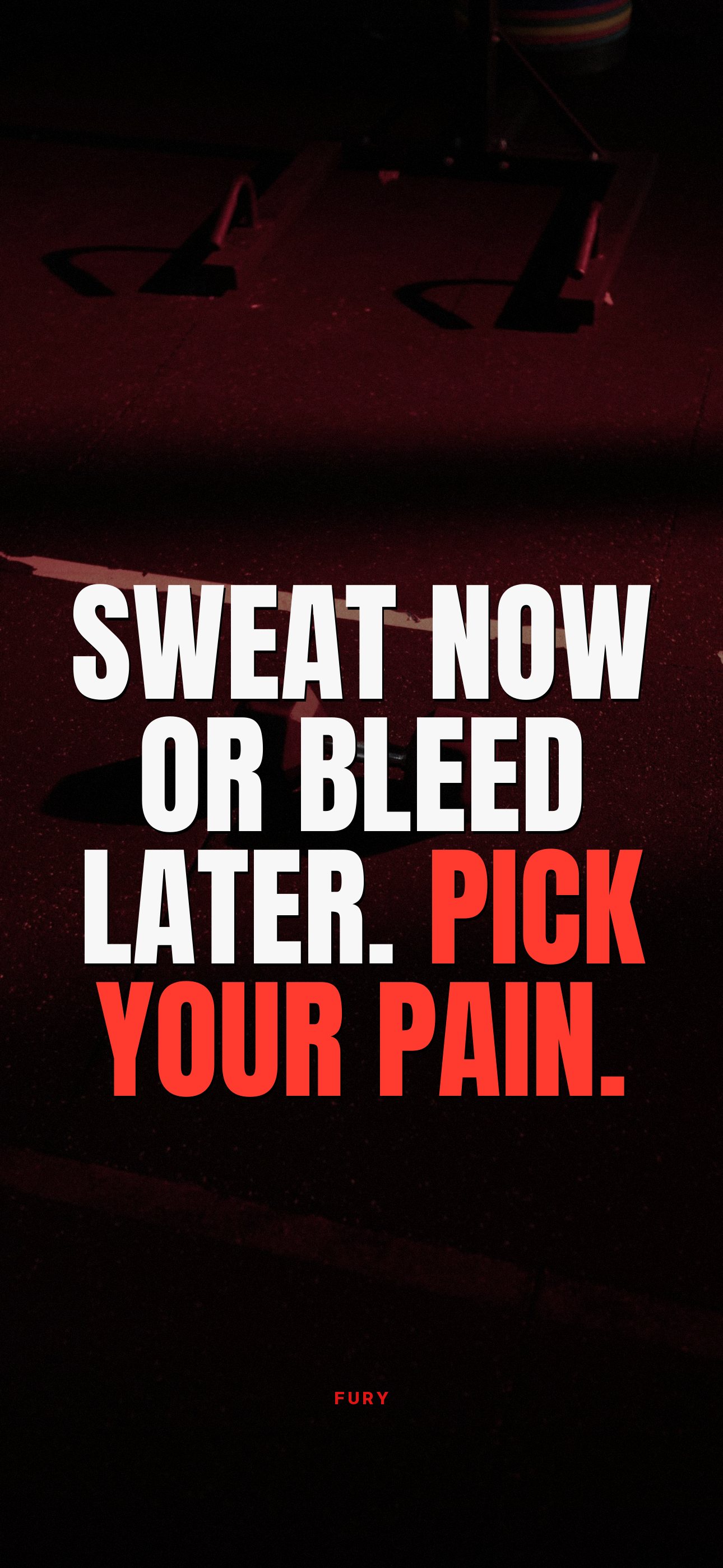
Sweat now or bleed later. Pick your pain.↓ Download
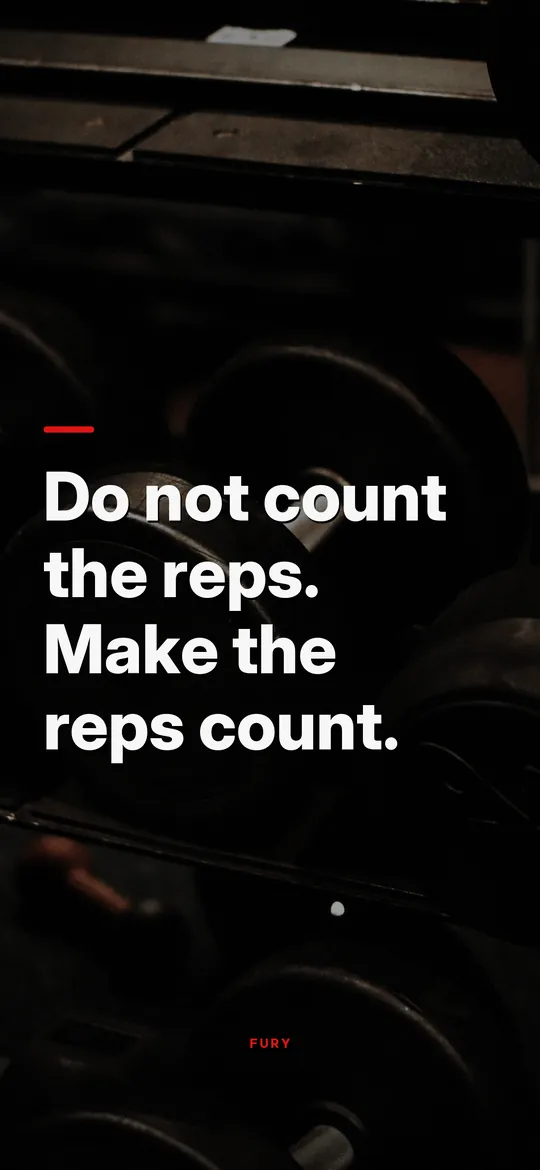
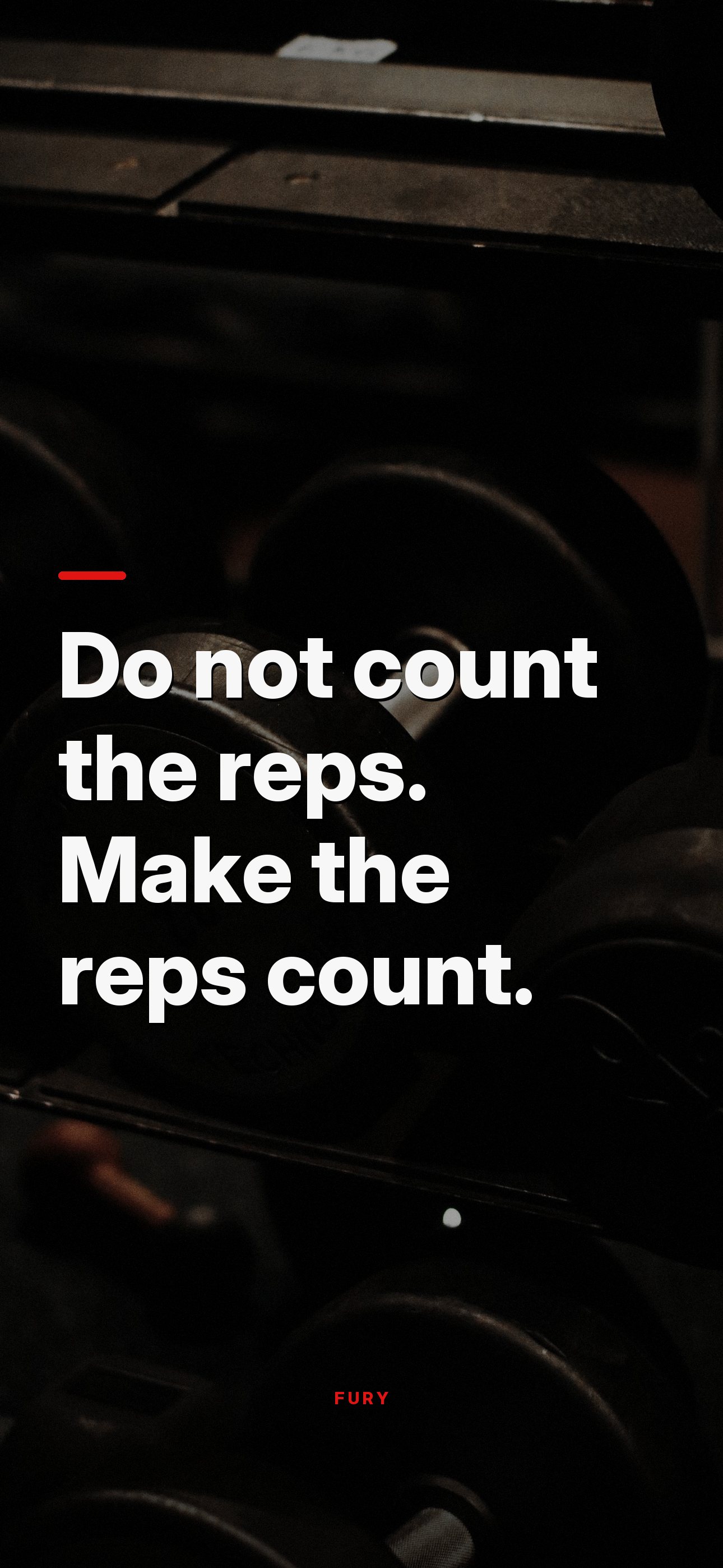
Do not count the reps. Make the reps count.↓ Download
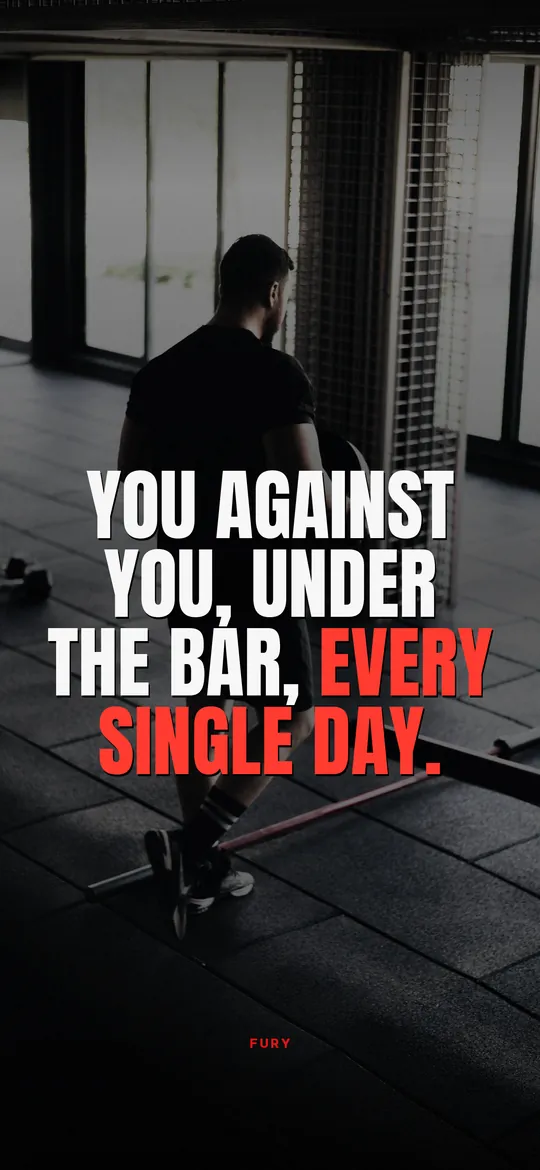
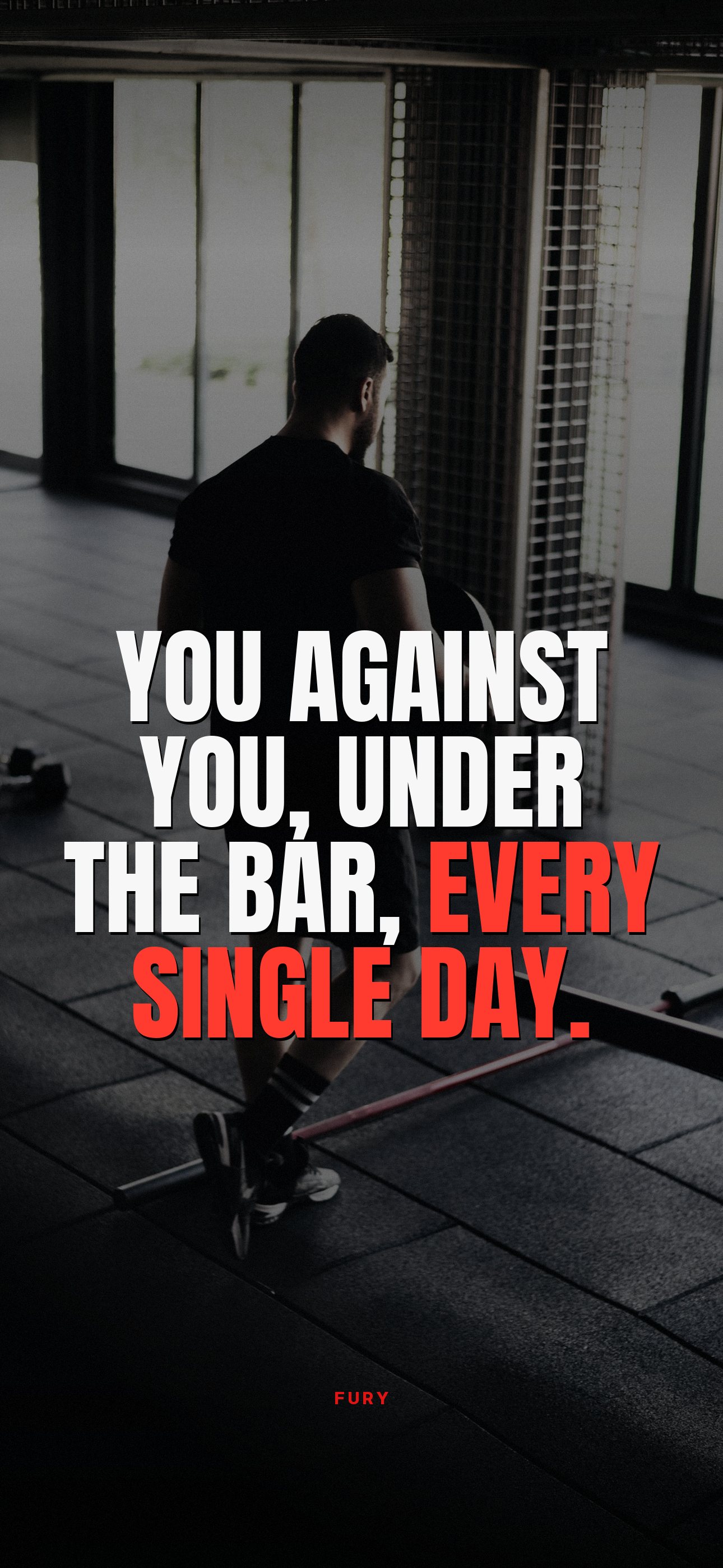
You against you, under the bar, every single day.↓ Download
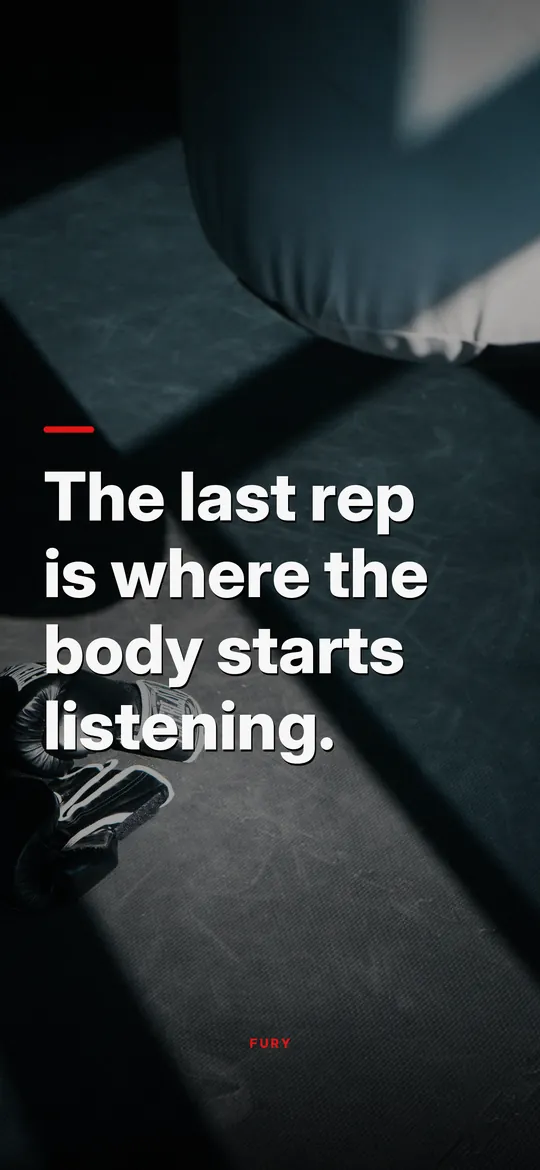
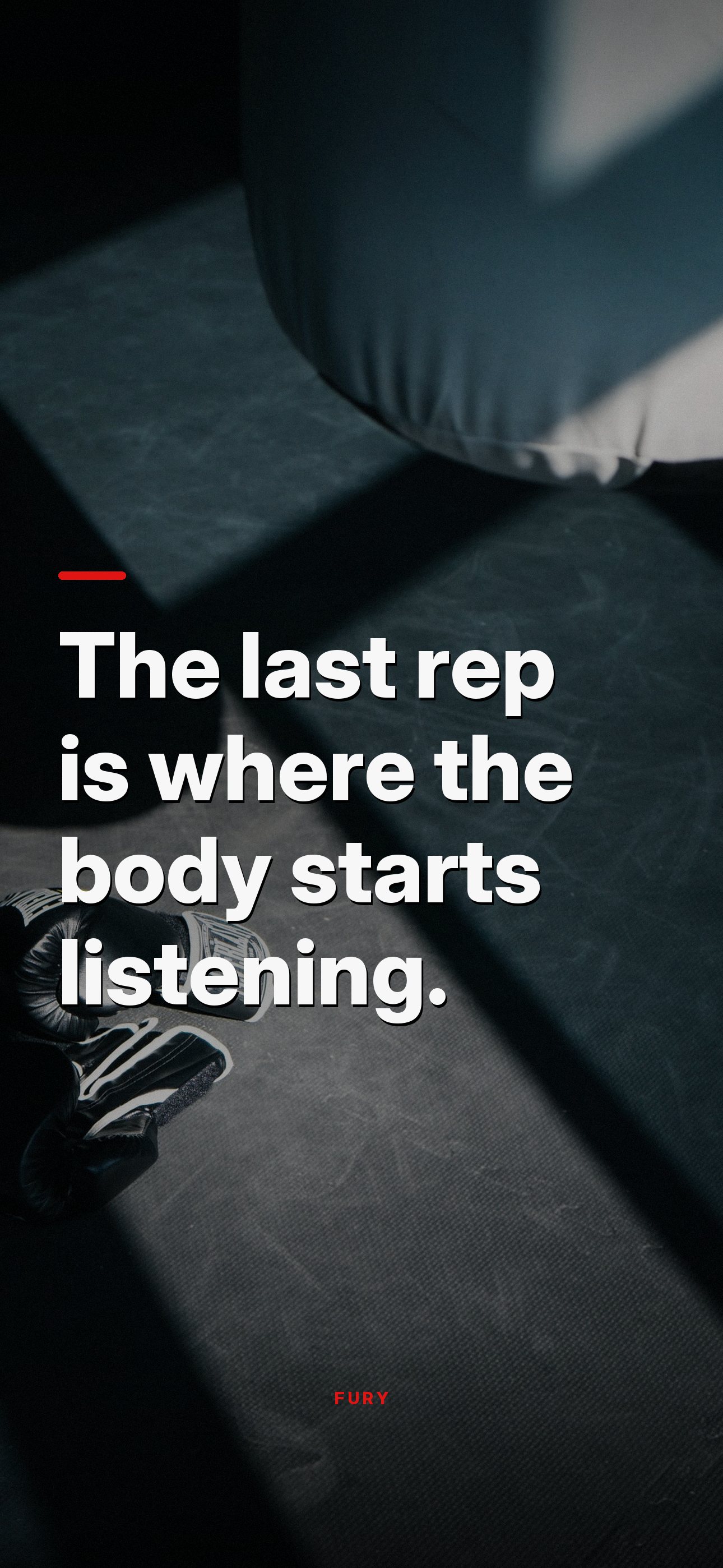
The last rep is where the body starts listening.↓ Download

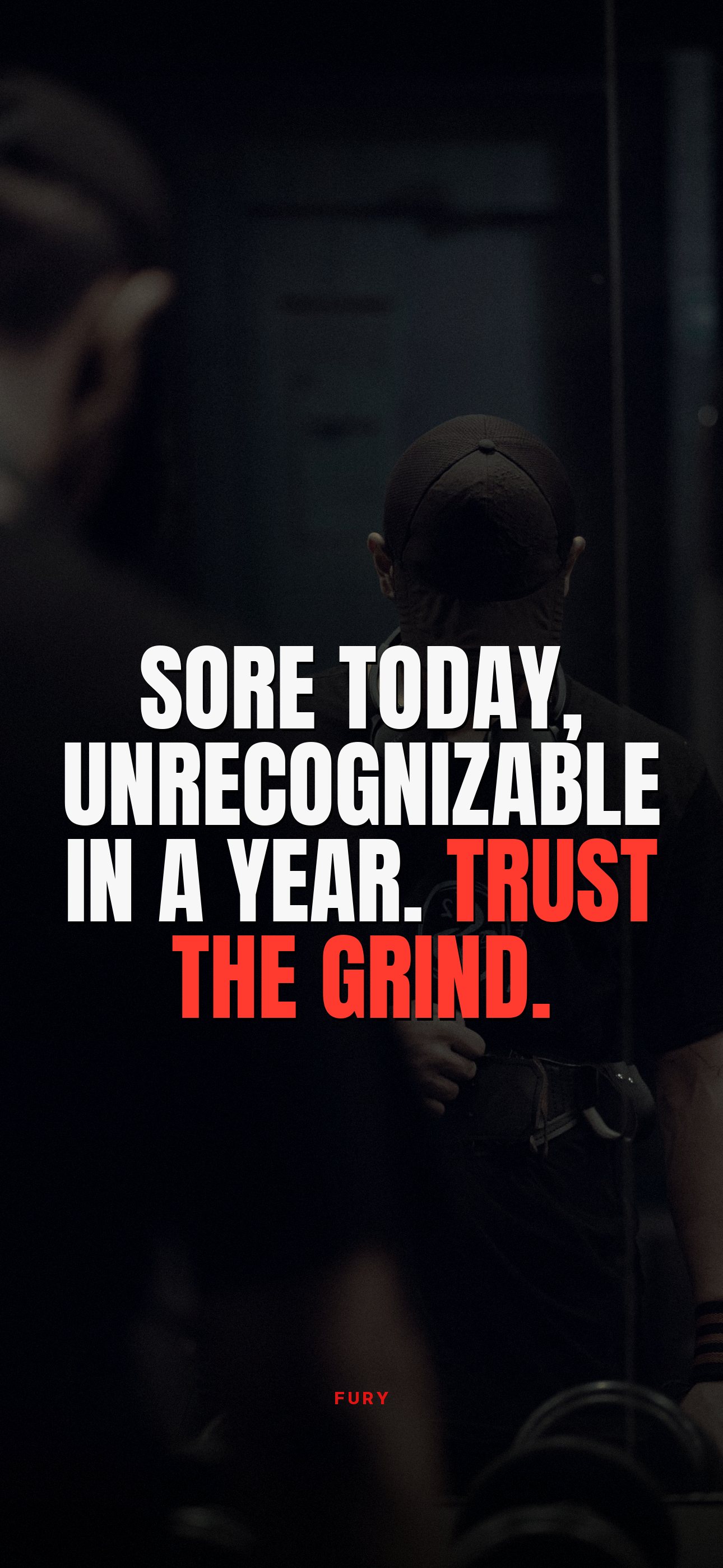
Sore today, unrecognizable in a year. Trust the grind.↓ Download
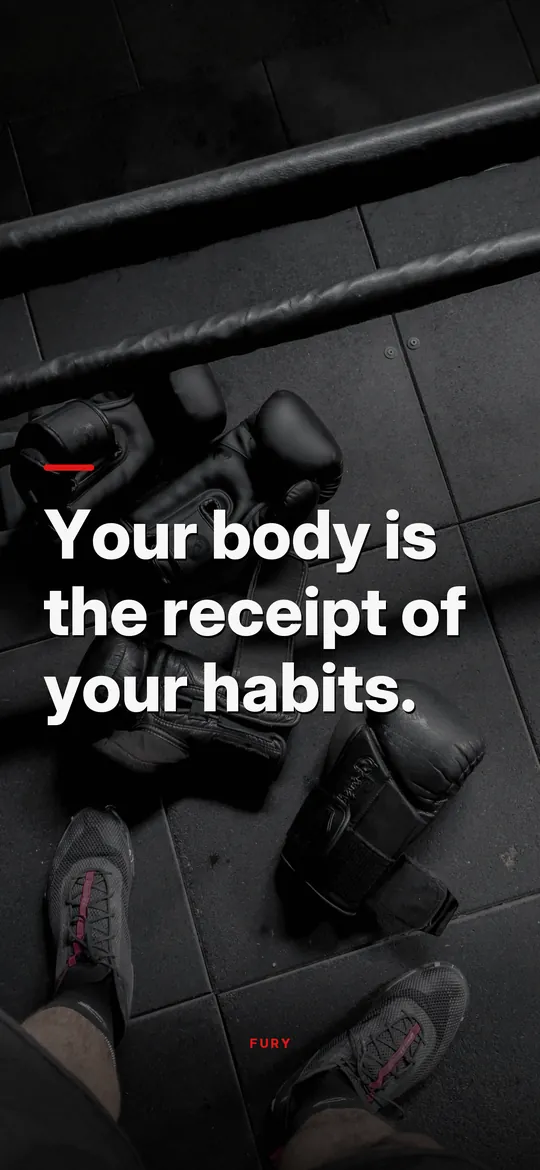
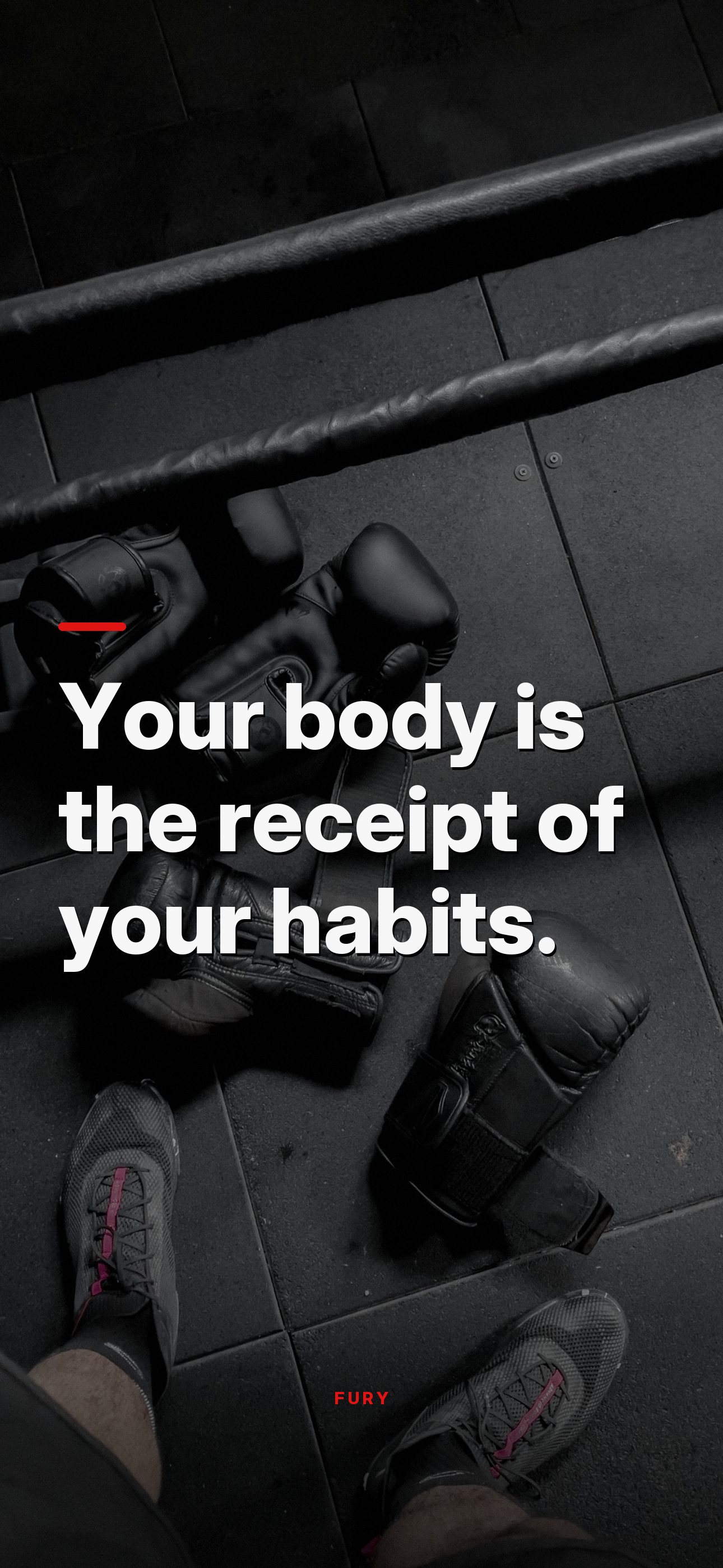
Your body is the receipt of your habits.↓ Download
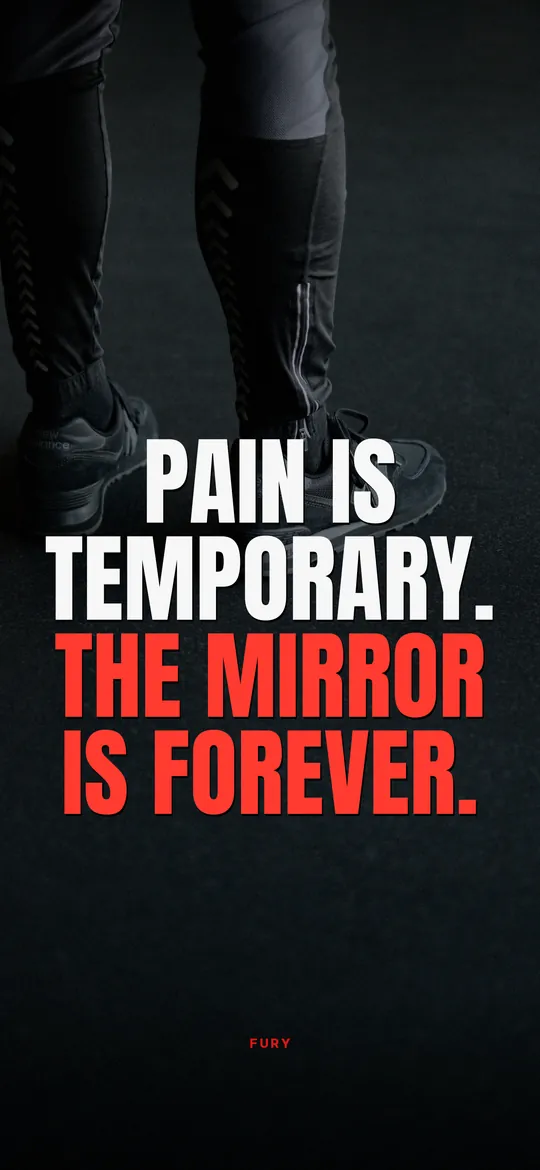
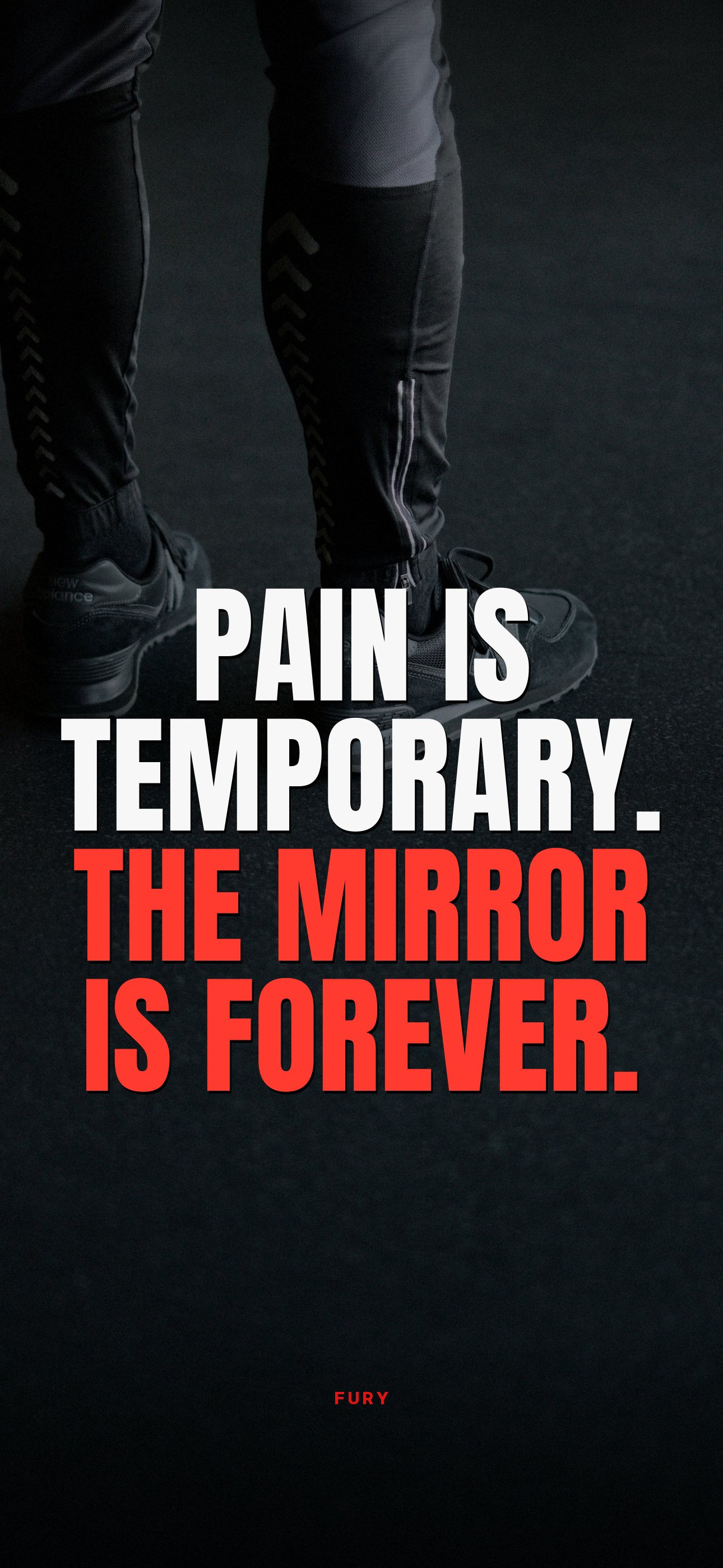
Pain is temporary. The mirror is forever.↓ Download
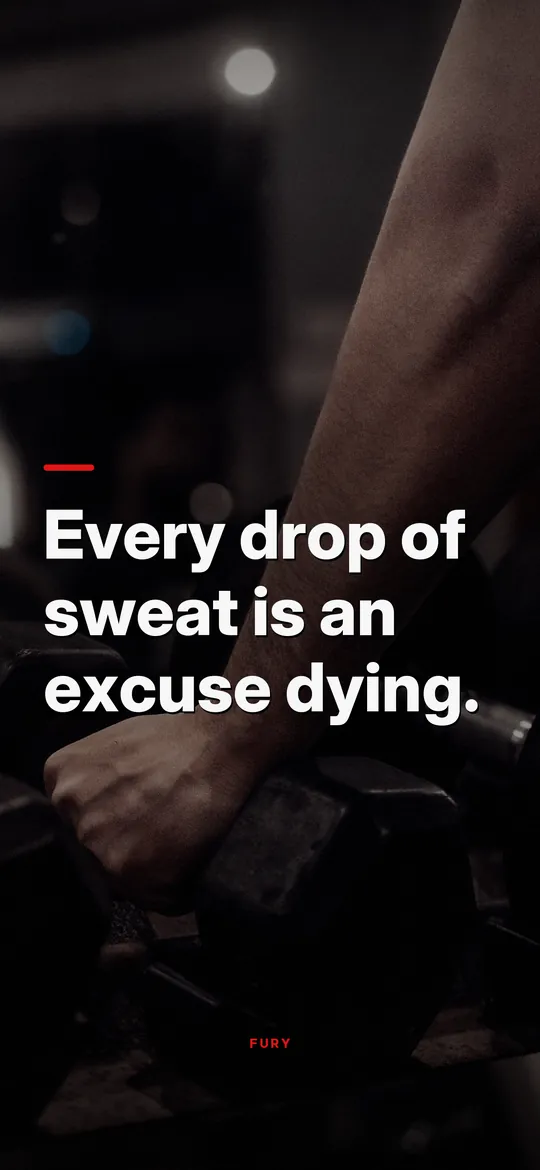
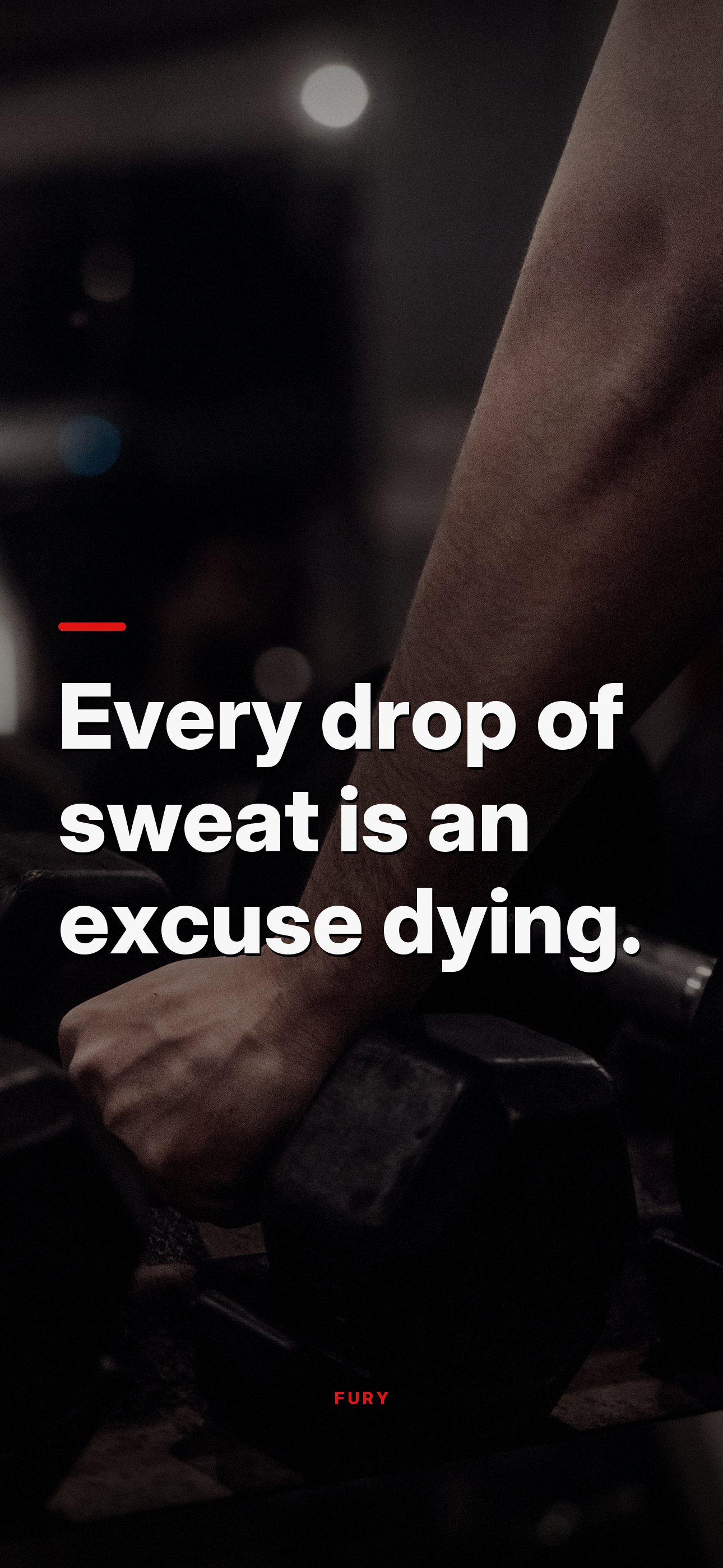
Every drop of sweat is an excuse dying.↓ Download

Train until they ask if you are on something.↓ Download
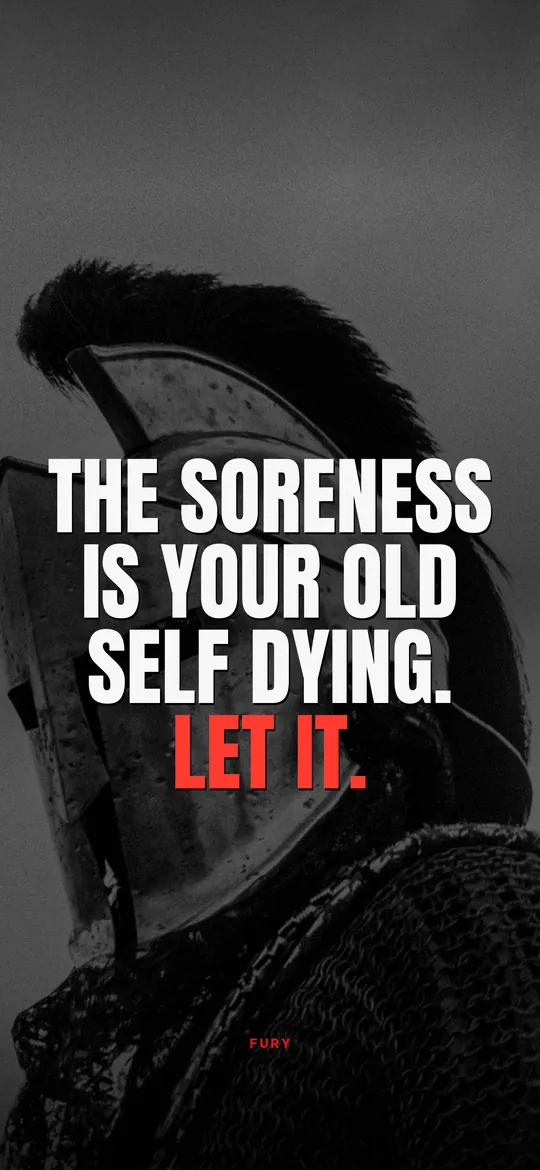
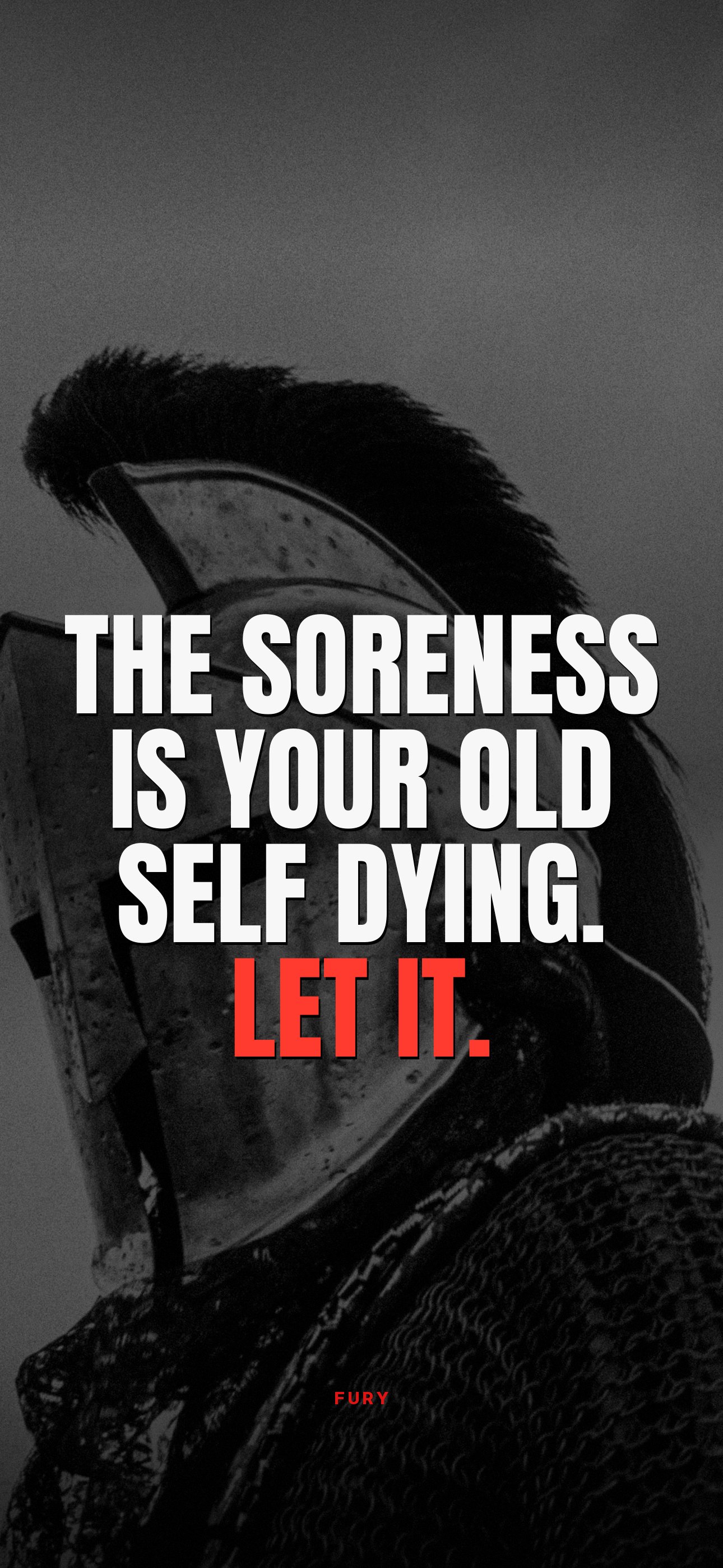
The soreness is your old self dying. Let it.↓ Download
FAQ
Questions people ask
Are these wallpapers really free?
Yes. Download and use them as wallpapers on your own devices. Please do not resell them or pass them off as your own.
How do I set a wallpaper on my iPhone?
Save the image to Photos, then open Settings, Wallpaper, Add New Wallpaper, Photos, pick it and tap Add. Our step-by-step guide covers the details and tips for keeping the quote clear of the clock.
Can I get a new motivational wallpaper every day?
A wallpaper stays the same, but FURY adds a Lock Screen widget that shows a new quote every hour, on top of whatever wallpaper you like.
Next
More free downloads
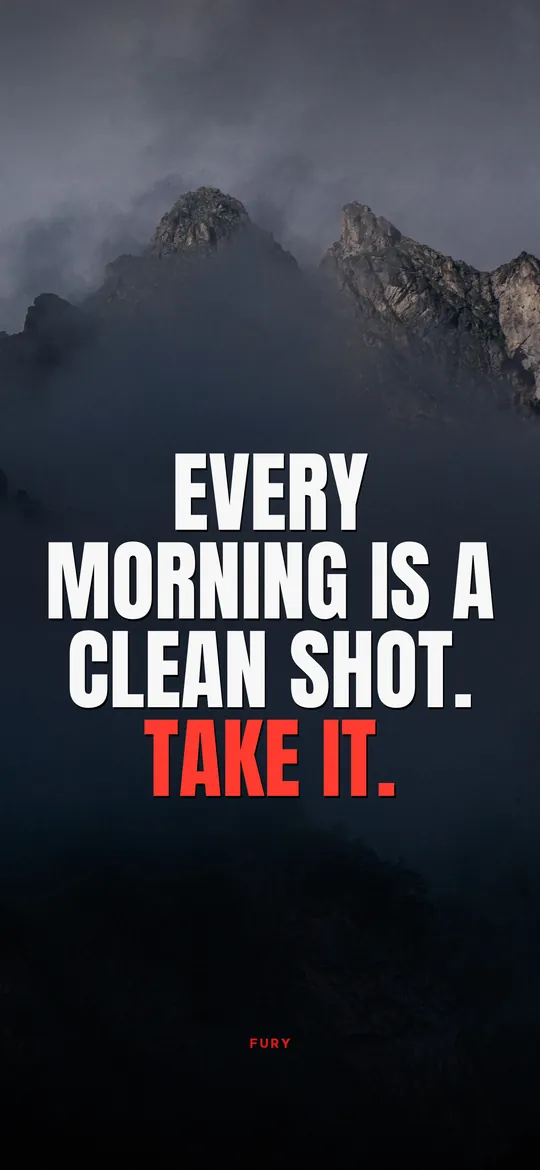
Motivational wallpapers for iPhone
Download free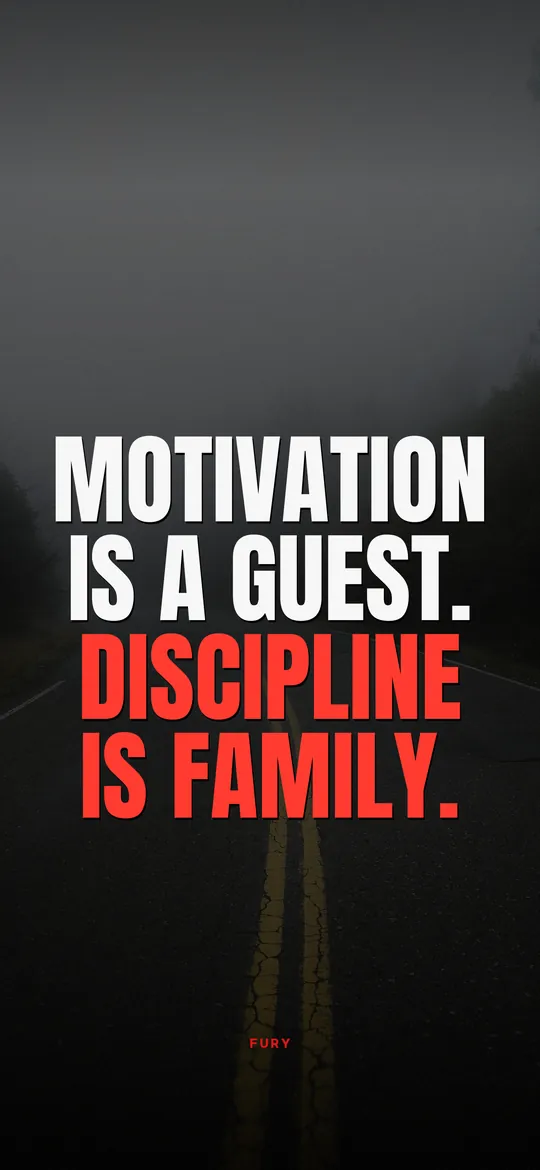
Discipline wallpapers
Download free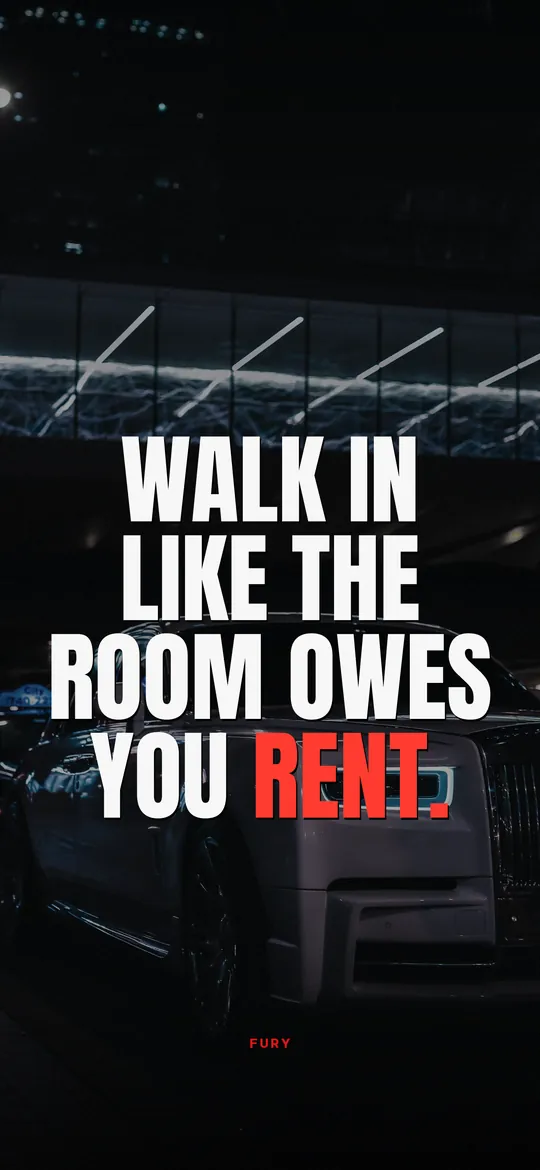
Motivational wallpapers for men
Download freeHow to add a quote widget to your iPhone Lock Screen
Step by step for the Lock Screen and Home Screen, plus fixes for widgets that will not update.
Read the guide
Nobody is coming
to save you. Get up.
FURY puts a hard truth on your Lock Screen every hour. Three days free on iPhone.