12 free downloads · iPhone
Motivational wallpapers for men
Quiet wealth, loud discipline, no apologies.
12 free motivational wallpapers for men, each with a line from the FURY library. Resolution: 1290 × 2796 (iPhone Pro Max size, sharp on every iPhone). Quotes sit in the middle of the screen, clear of the clock and the flashlight and camera buttons.
On iPhone: tap Download, choose View, then touch and hold the image and tap Save to Photos. Set it in Settings → Wallpaper → Add New Wallpaper → Photos. Full steps in how to set a motivational wallpaper on iPhone.
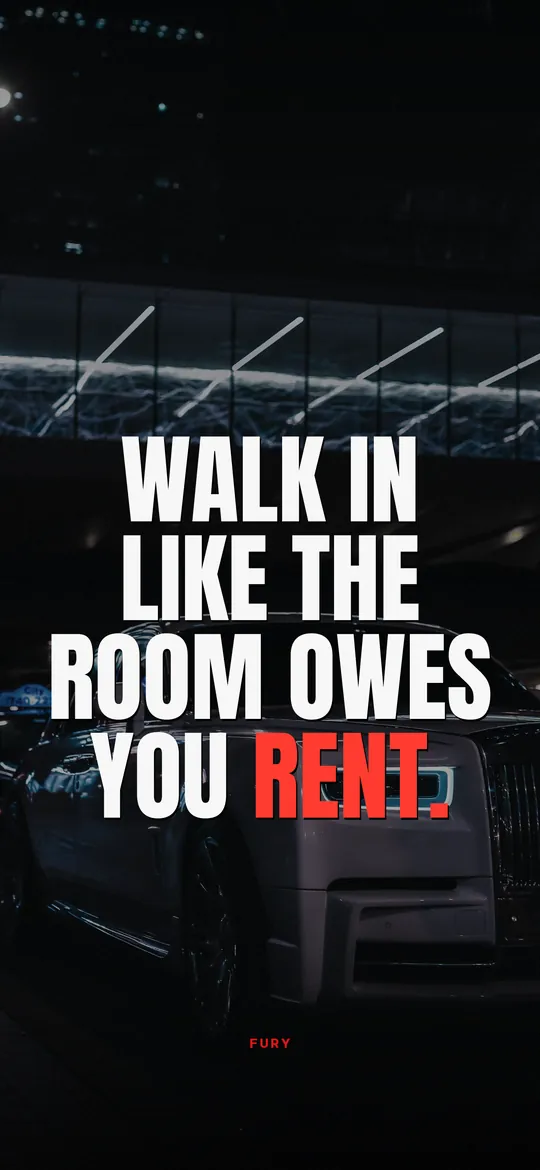
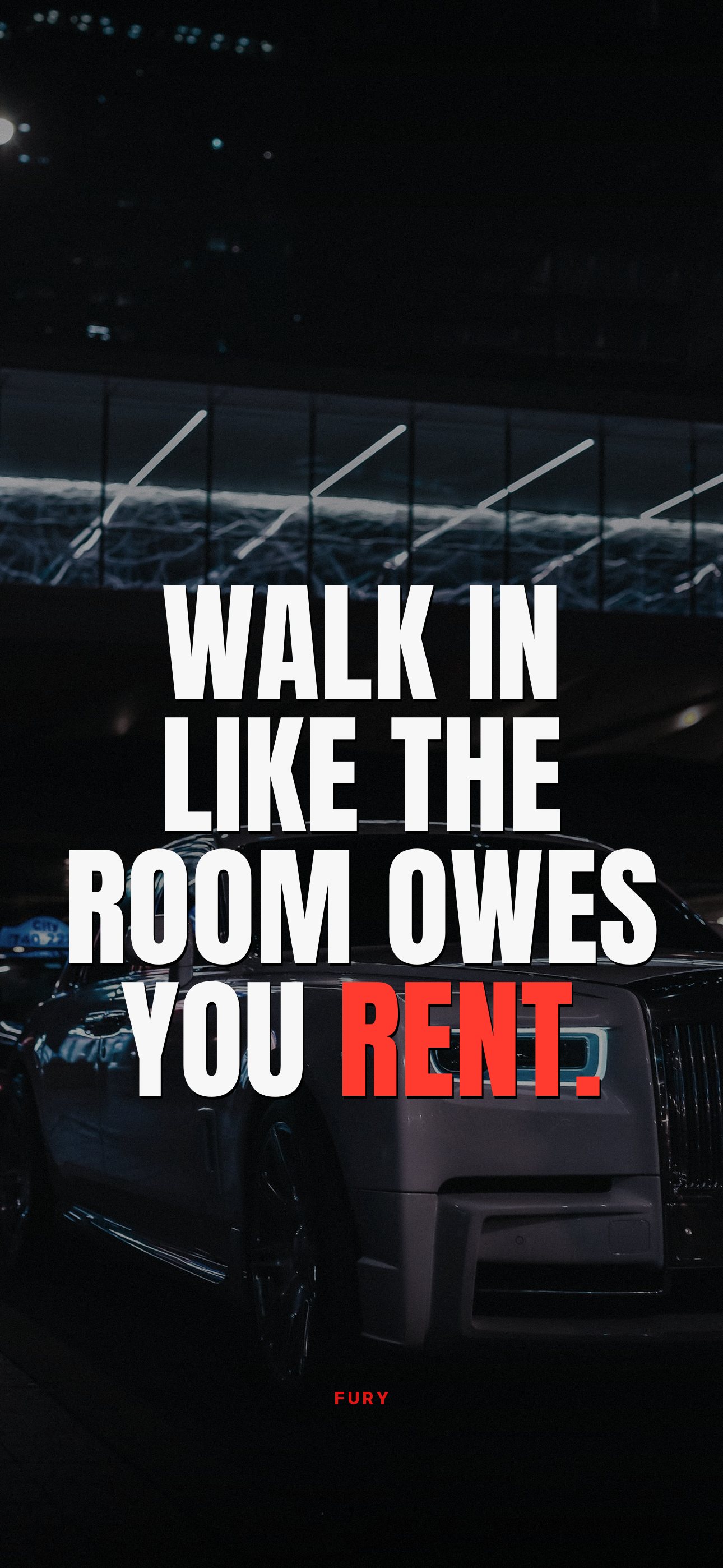
Walk in like the room owes you rent.↓ Download
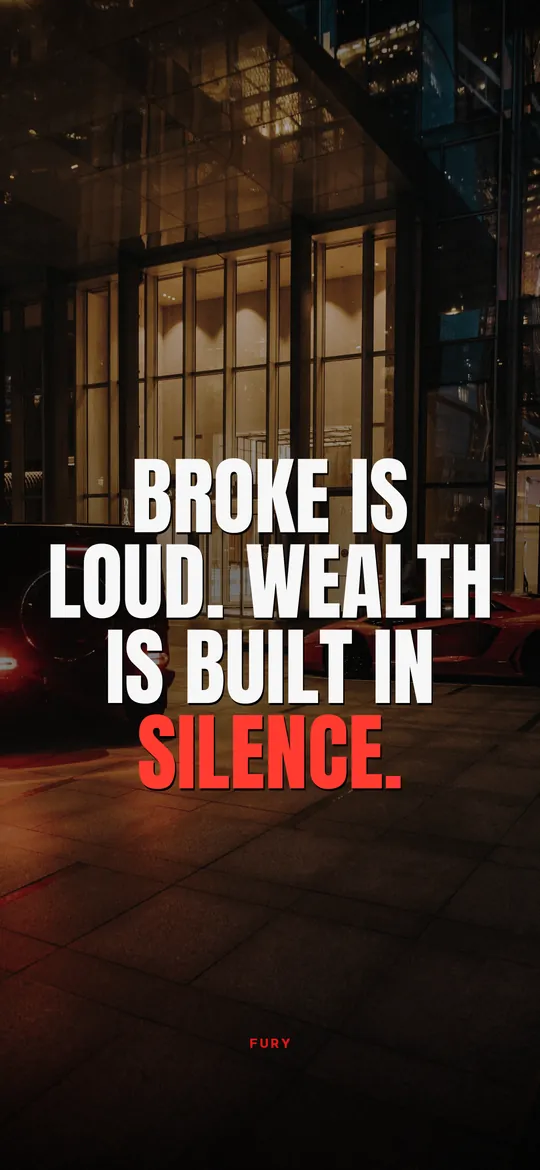
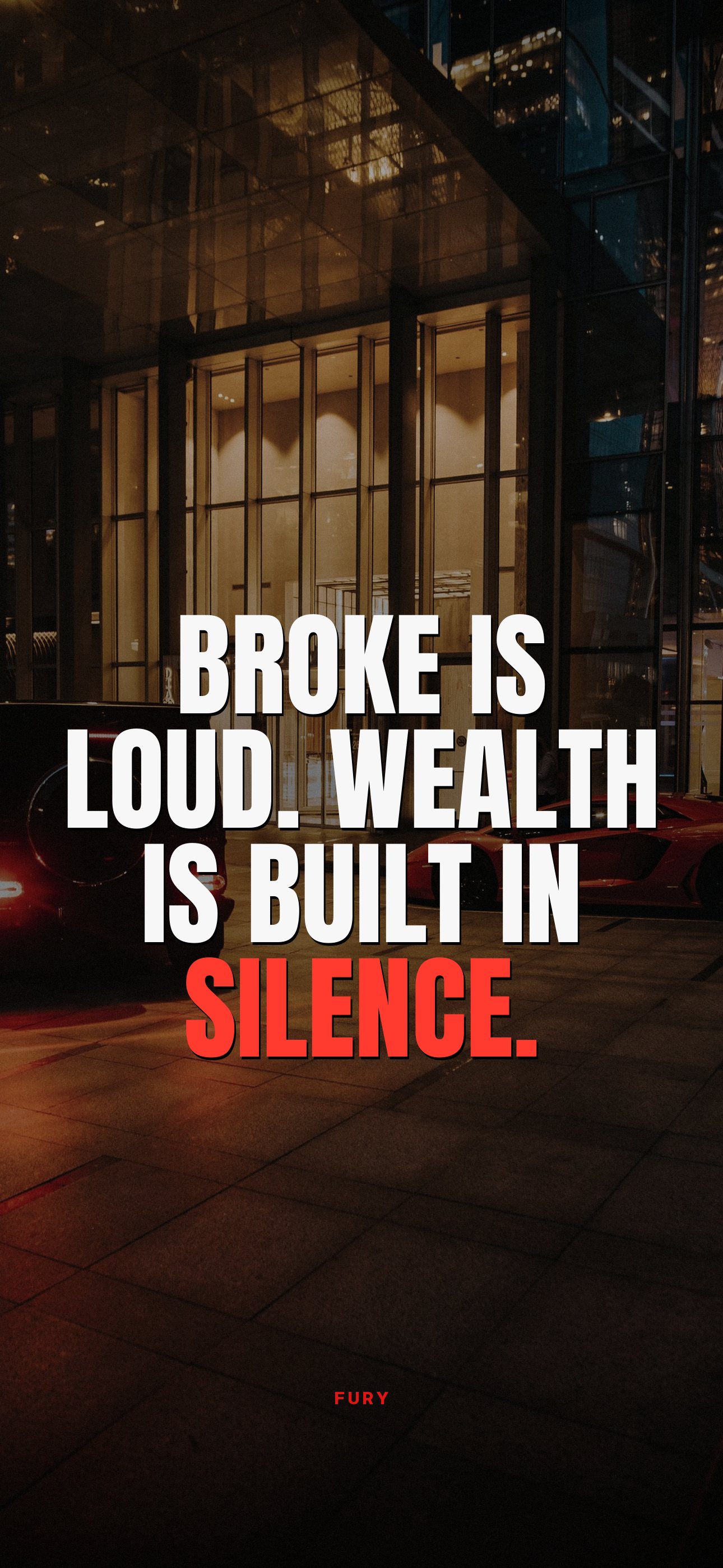
Broke is loud. Wealth is built in silence.↓ Download

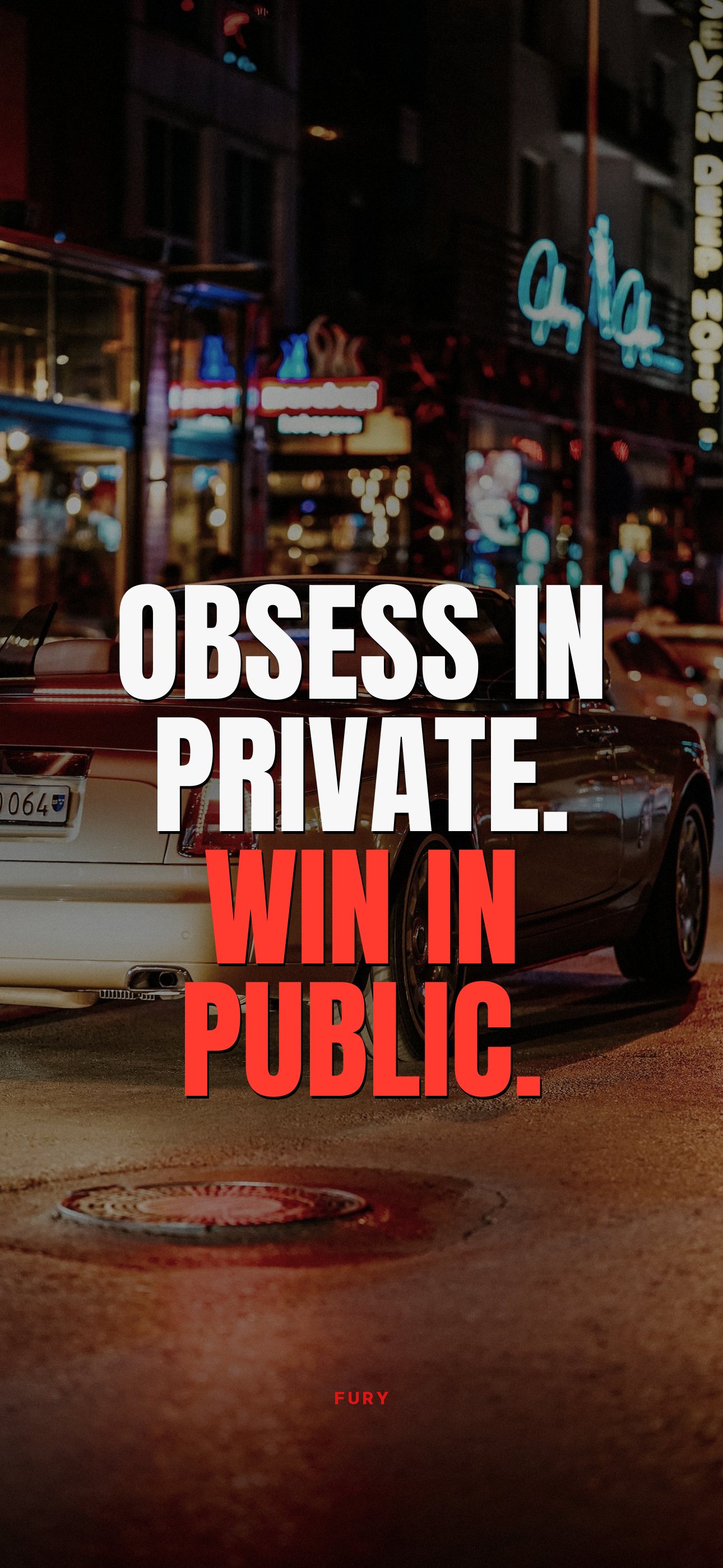
Obsess in private. Win in public.↓ Download
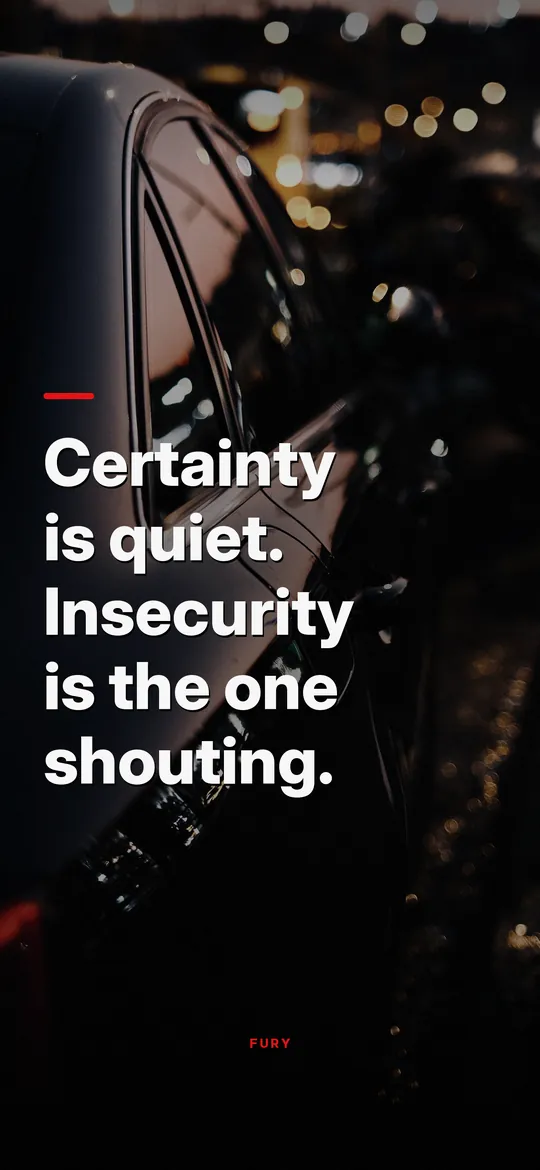
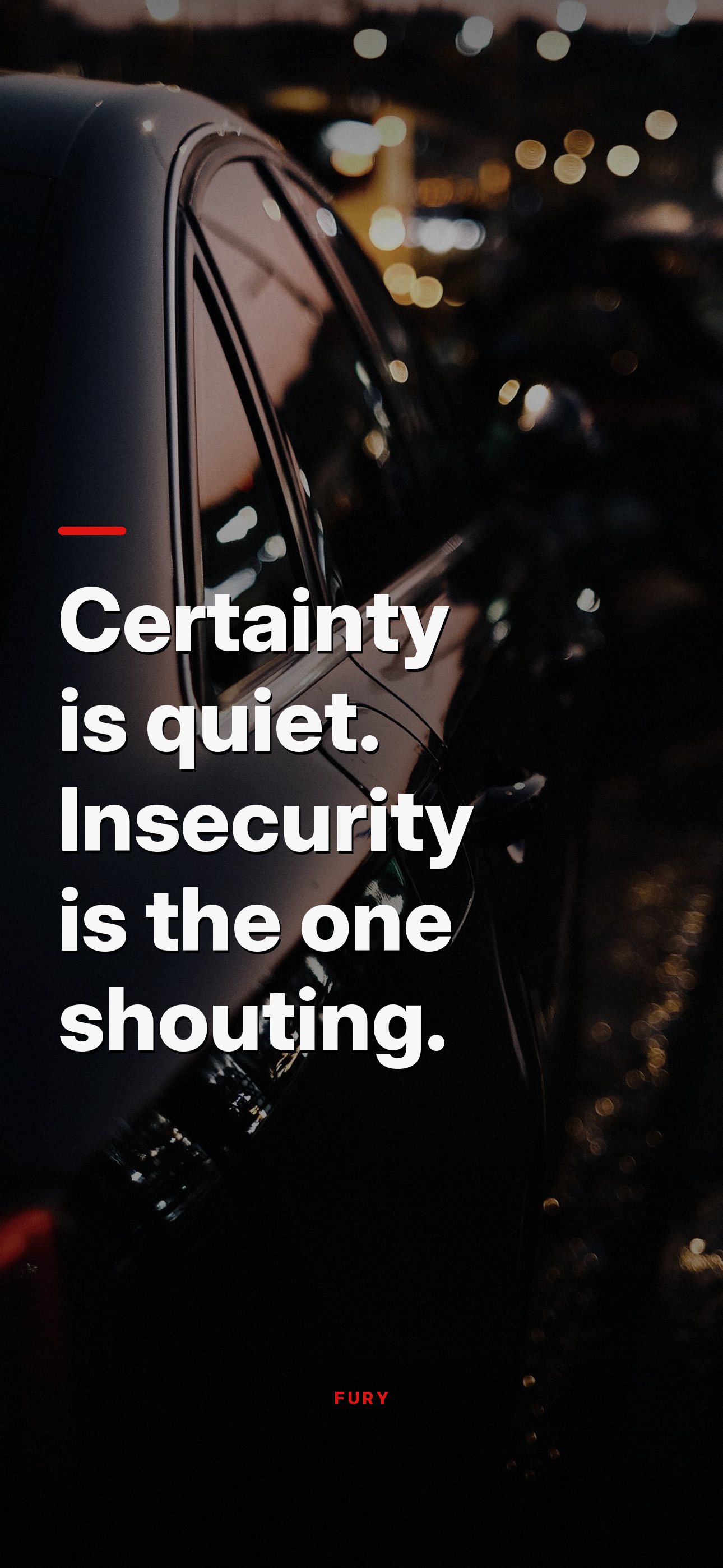
Certainty is quiet. Insecurity is the one shouting.↓ Download
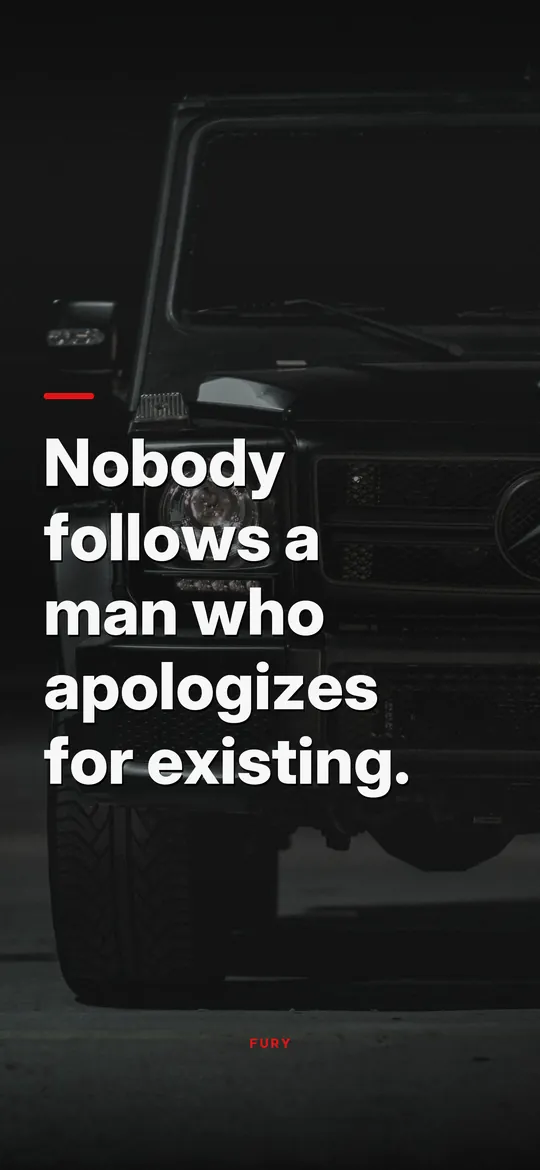
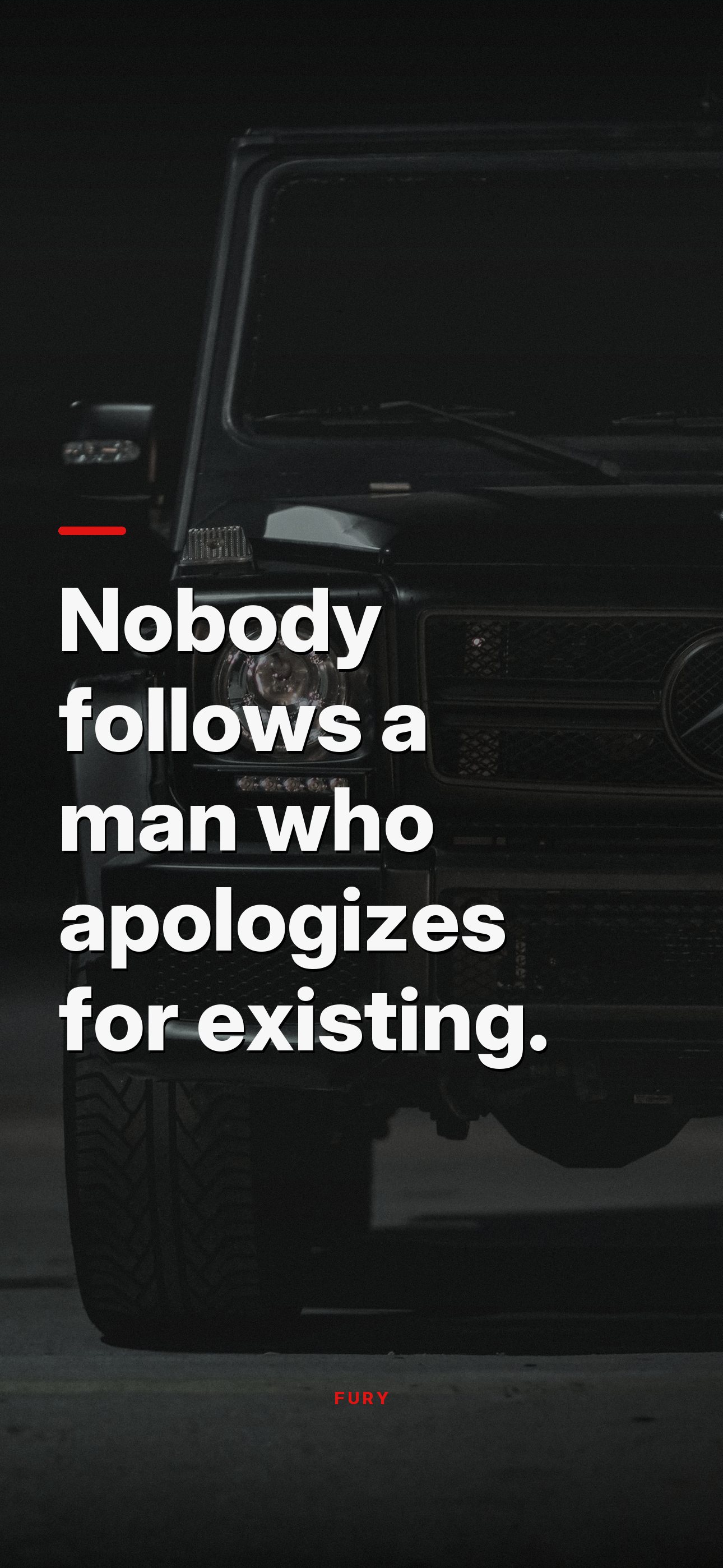
Nobody follows a man who apologizes for existing.↓ Download
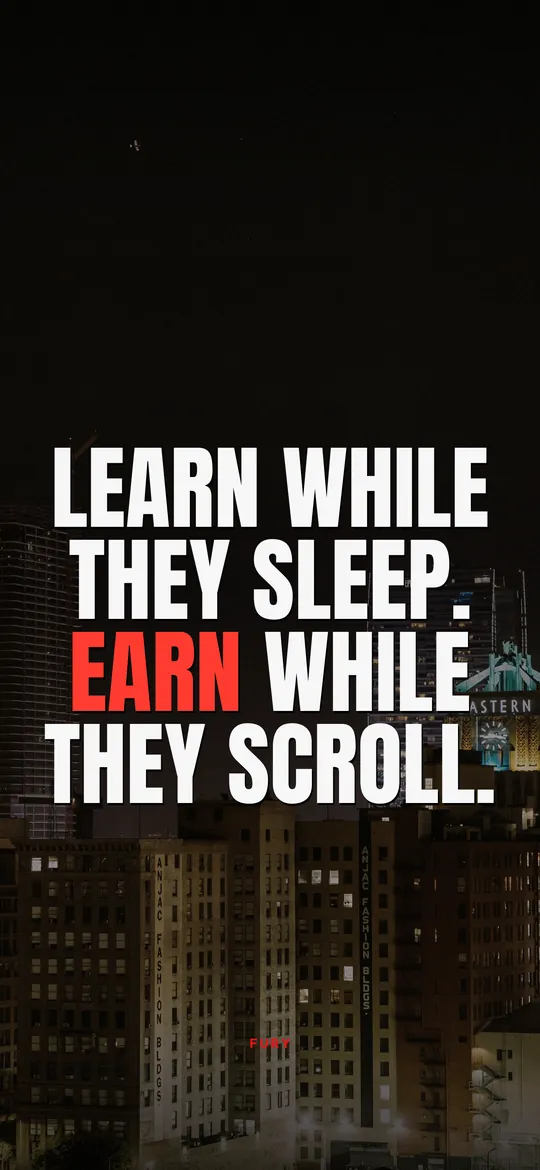
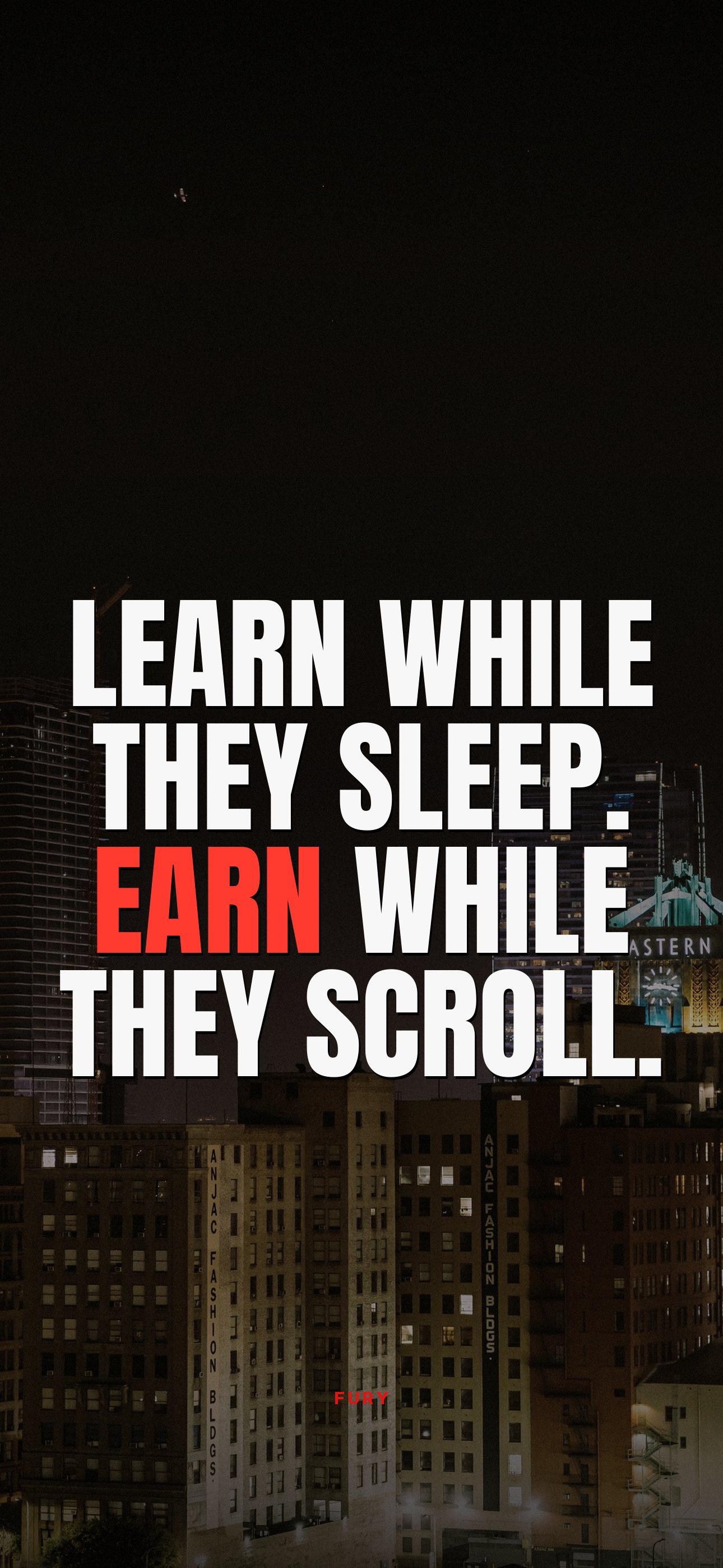
Learn while they sleep. Earn while they scroll.↓ Download
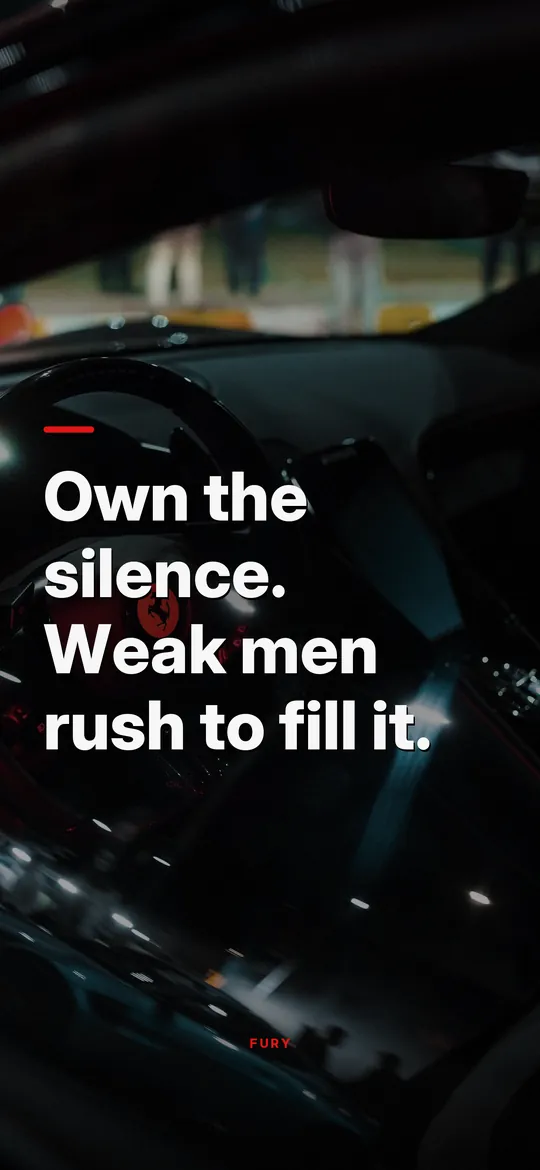
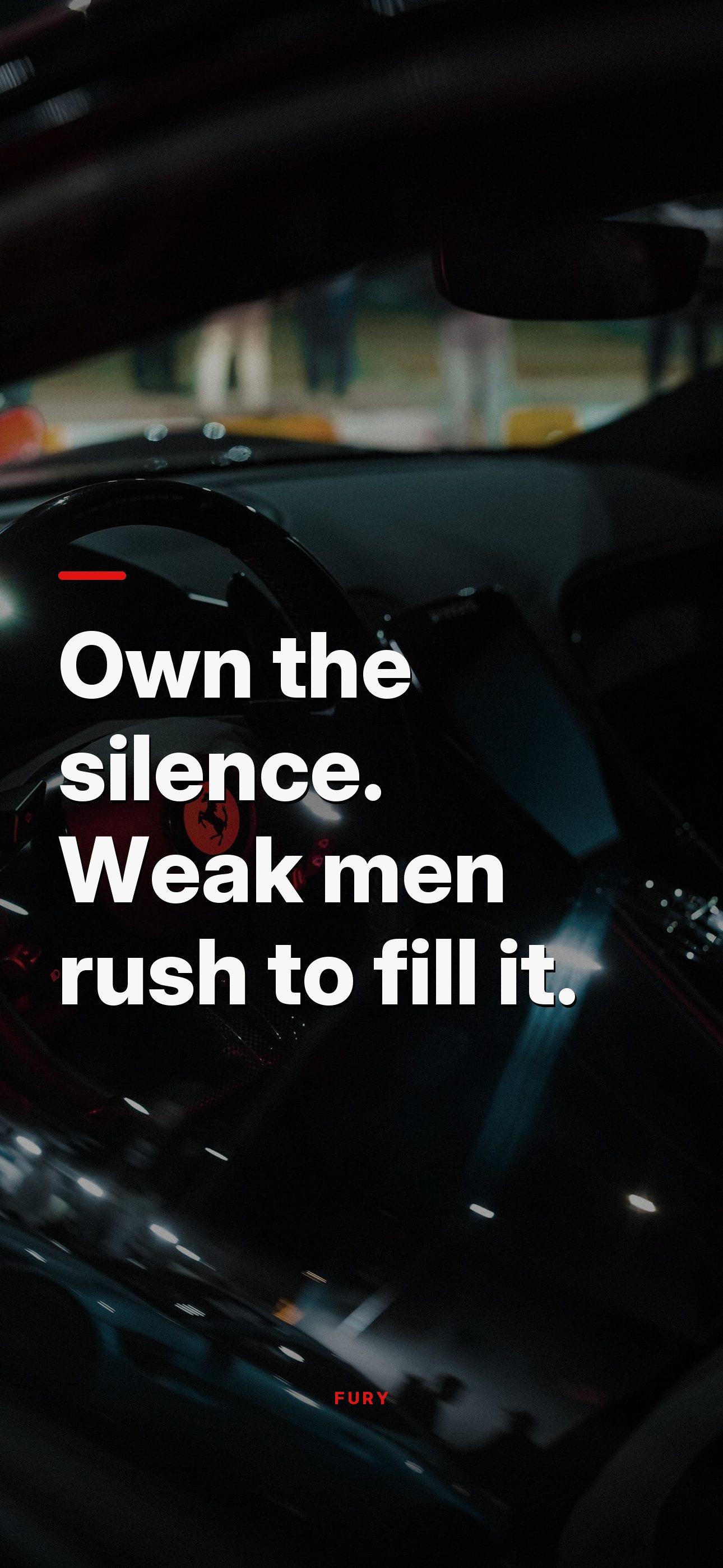
Own the silence. Weak men rush to fill it.↓ Download
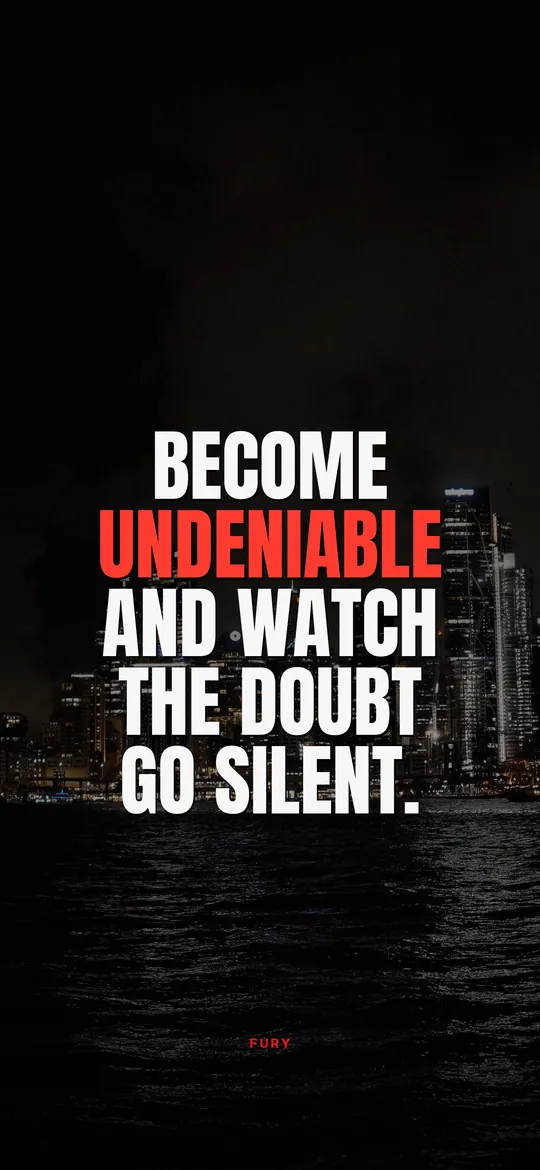
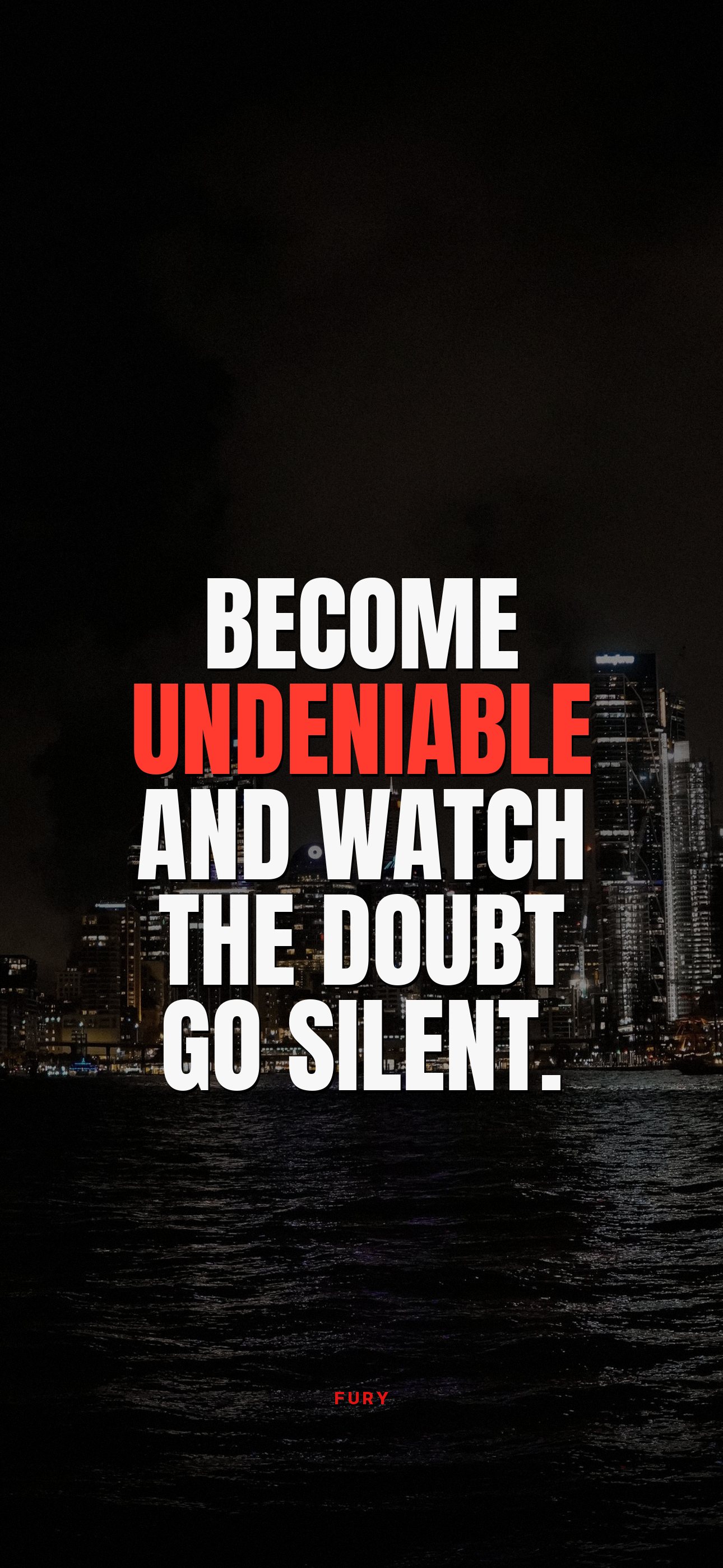
Become undeniable and watch the doubt go silent.↓ Download
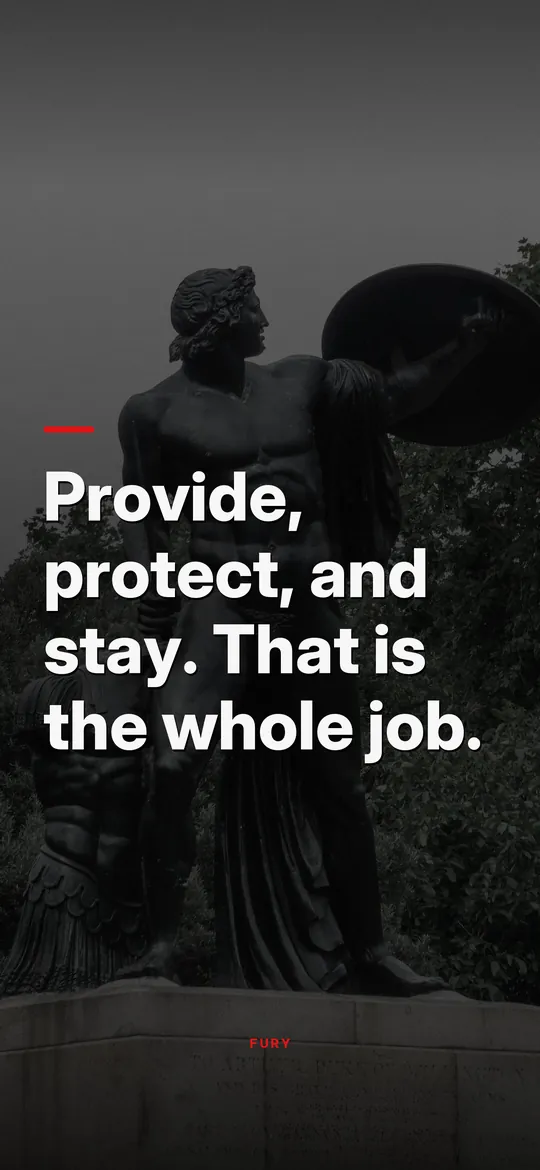
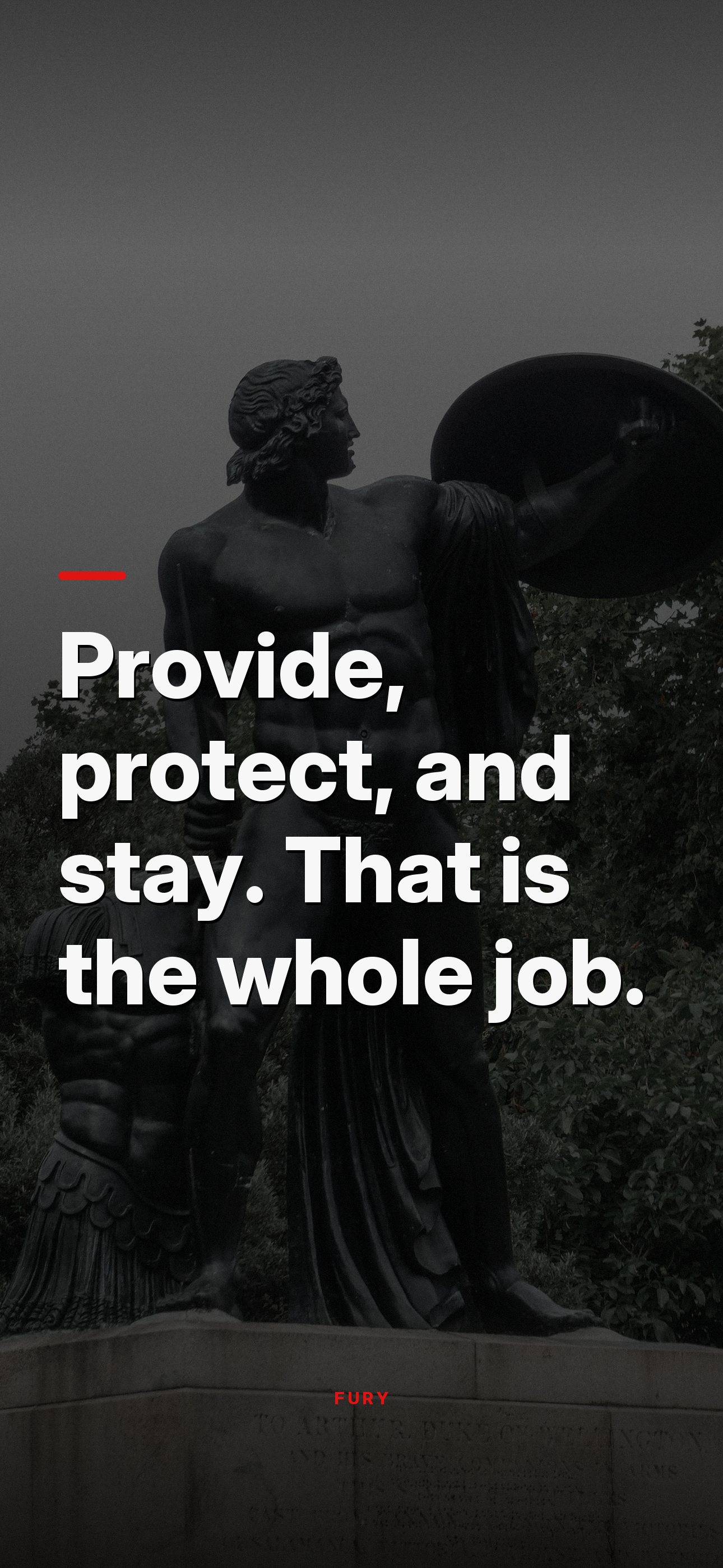
Provide, protect, and stay. That is the whole job.↓ Download
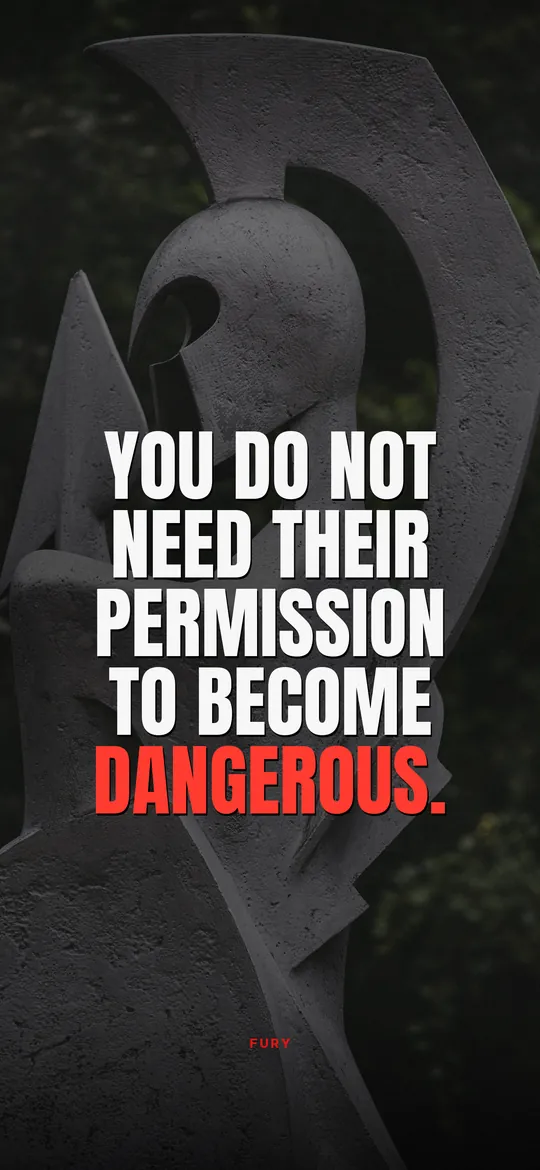
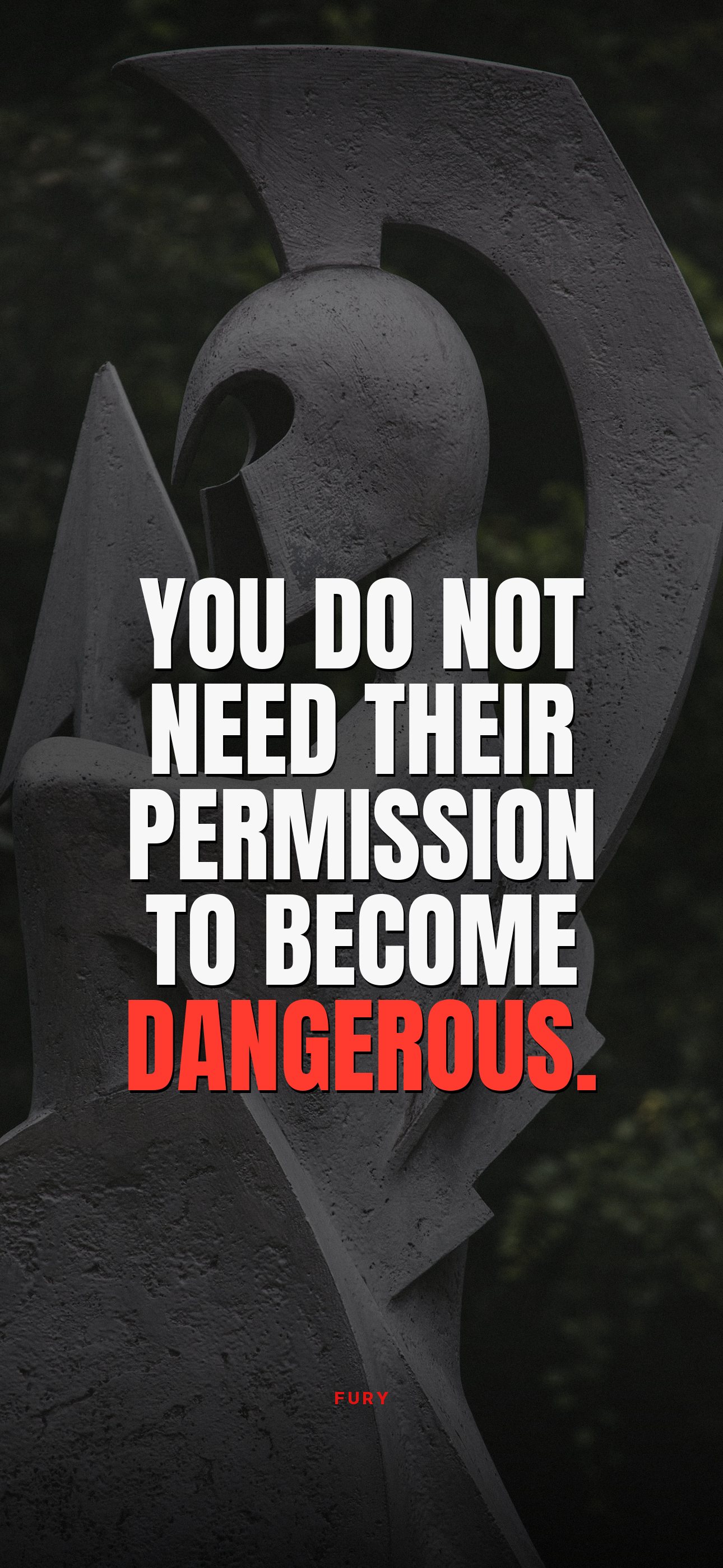
You do not need their permission to become dangerous.↓ Download
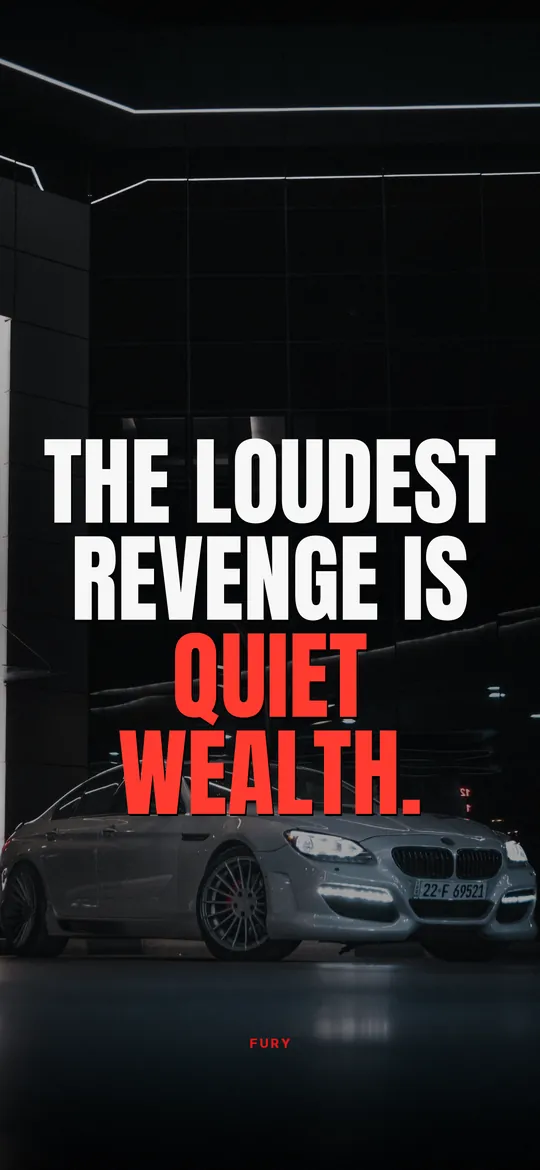
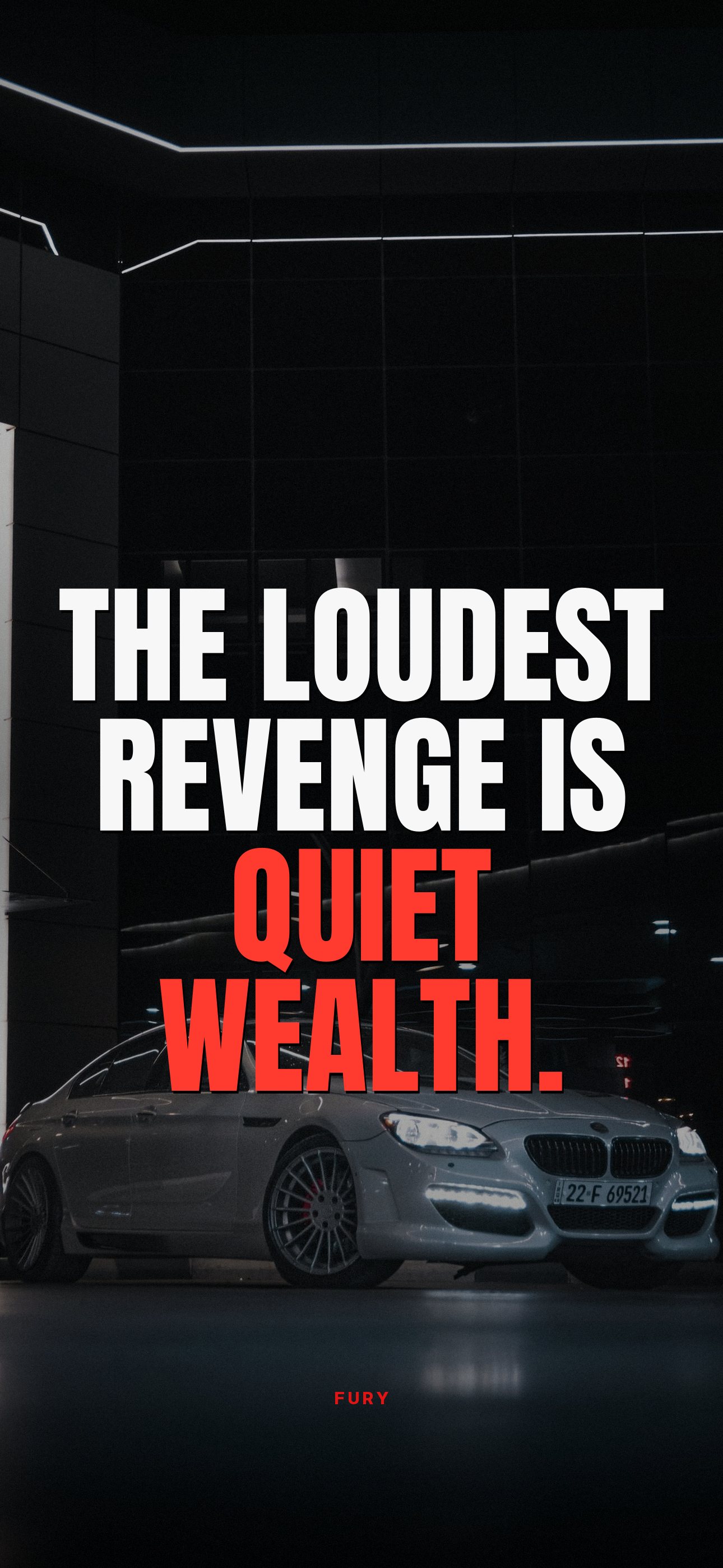
The loudest revenge is quiet wealth.↓ Download
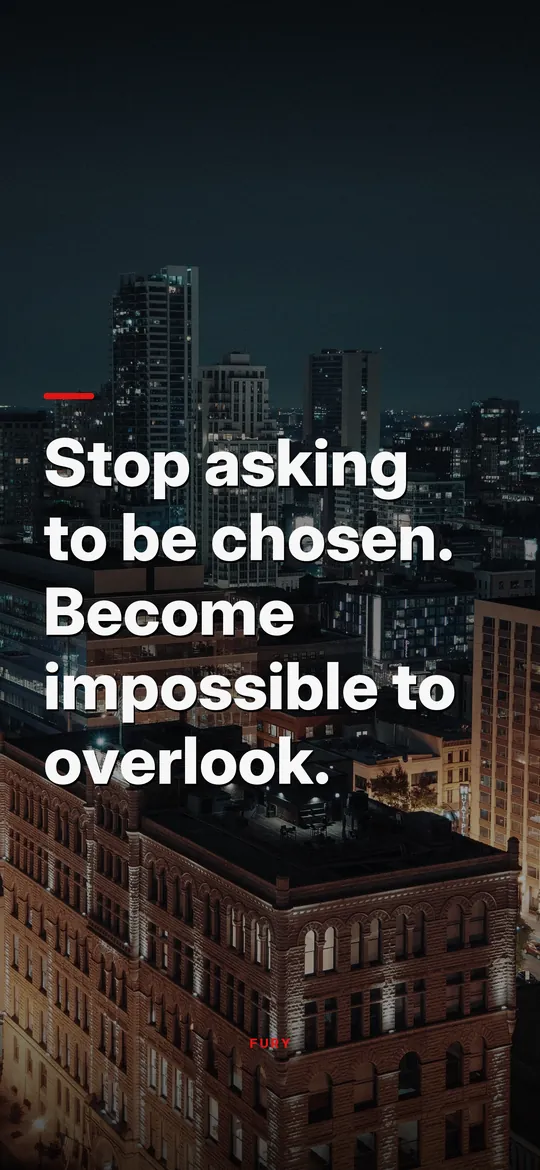
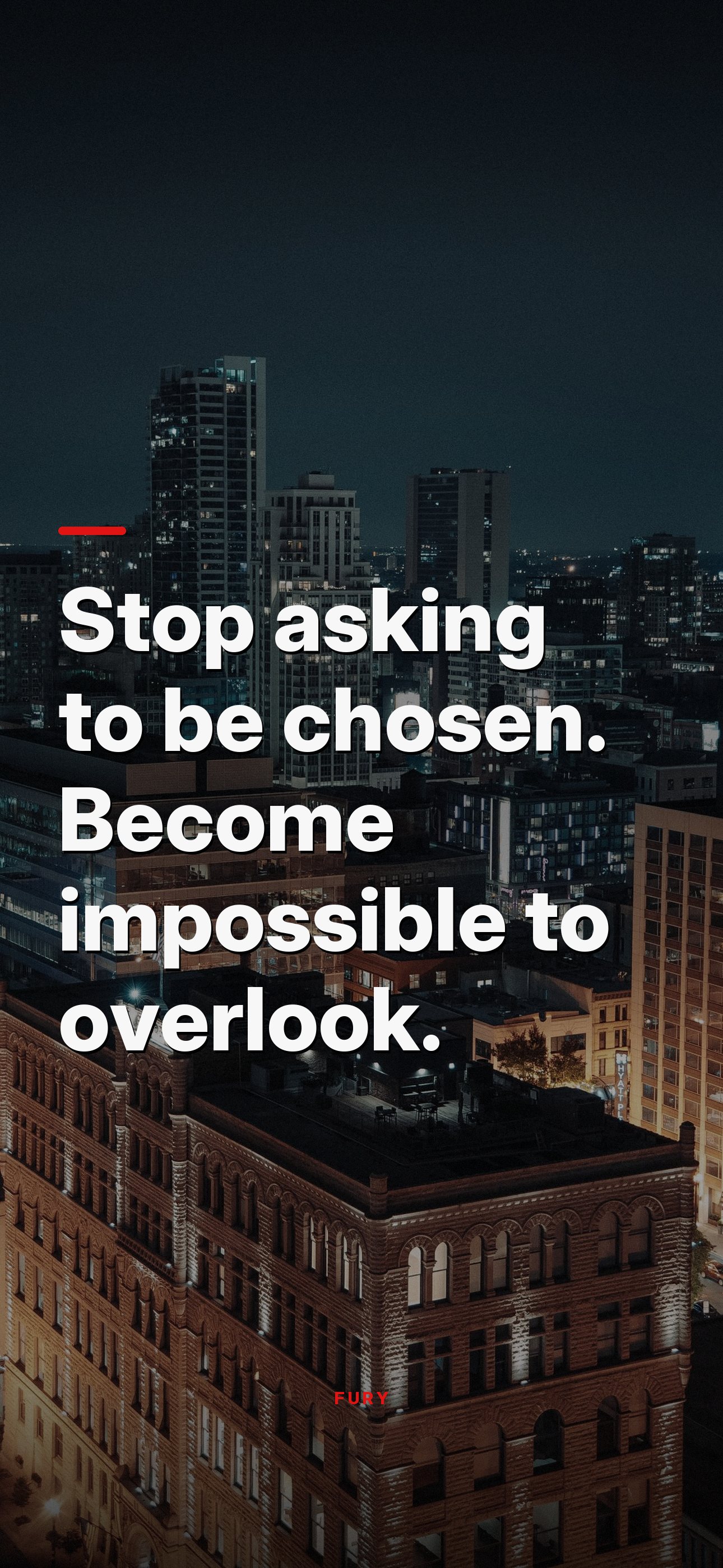
Stop asking to be chosen. Become impossible to overlook.↓ Download
FAQ
Questions people ask
Are these wallpapers really free?
Yes. Download and use them as wallpapers on your own devices. Please do not resell them or pass them off as your own.
How do I set a wallpaper on my iPhone?
Save the image to Photos, then open Settings, Wallpaper, Add New Wallpaper, Photos, pick it and tap Add. Our step-by-step guide covers the details and tips for keeping the quote clear of the clock.
Can I get a new motivational wallpaper every day?
A wallpaper stays the same, but FURY adds a Lock Screen widget that shows a new quote every hour, on top of whatever wallpaper you like.
Next
More free downloads
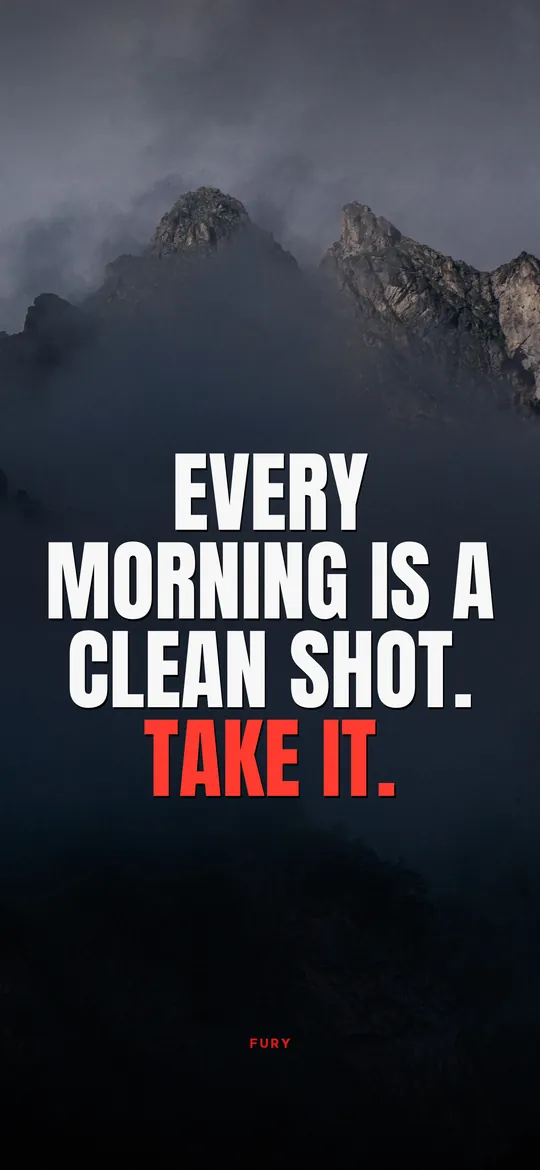
Motivational wallpapers for iPhone
Download free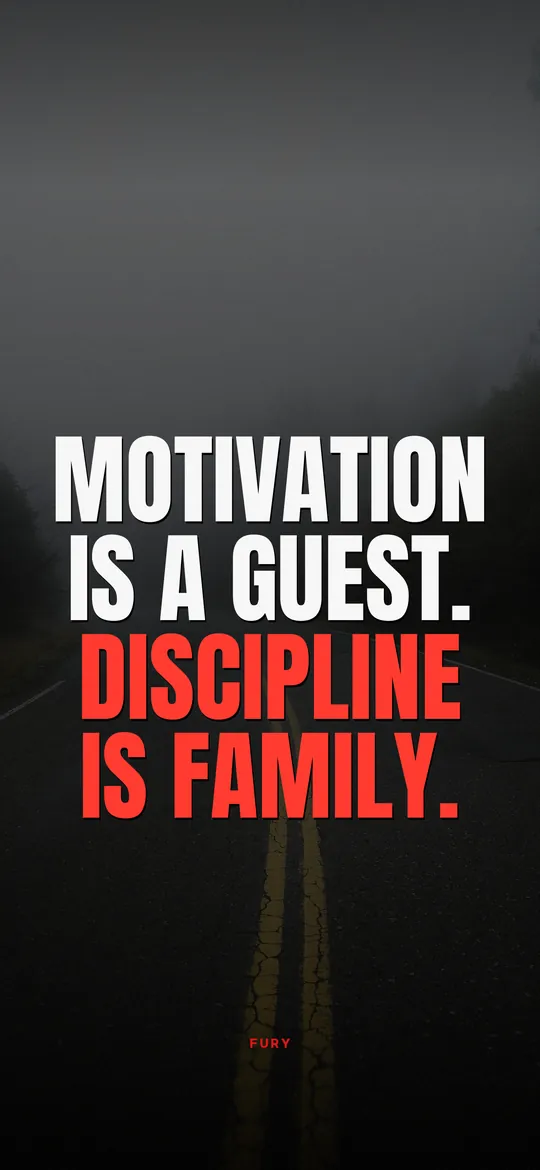
Discipline wallpapers
Download free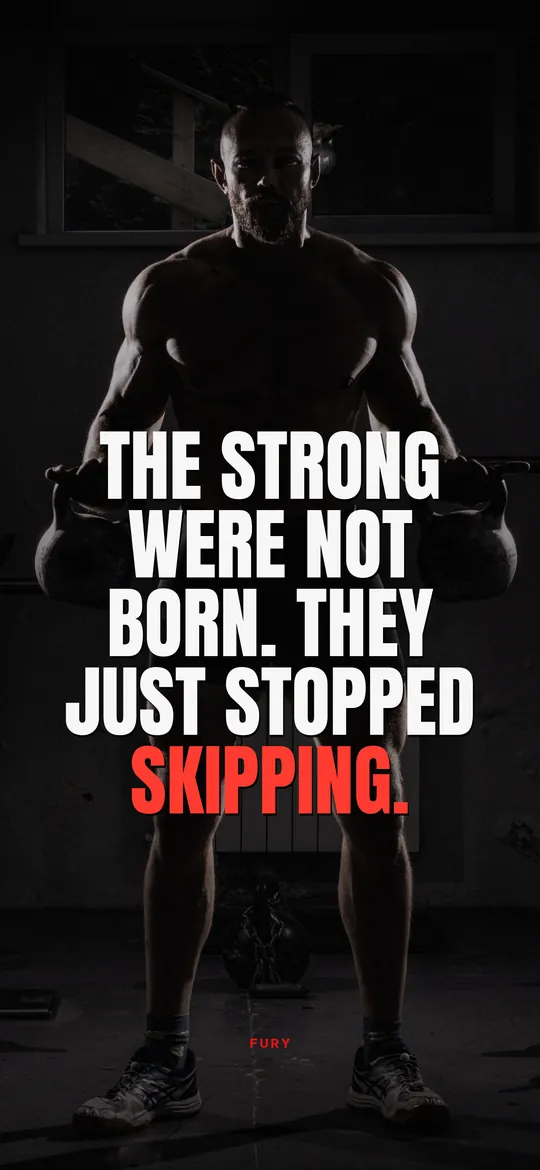
Gym motivation wallpapers
Download freeHow to add a quote widget to your iPhone Lock Screen
Step by step for the Lock Screen and Home Screen, plus fixes for widgets that will not update.
Read the guide
Nobody is coming
to save you. Get up.
FURY puts a hard truth on your Lock Screen every hour. Three days free on iPhone.